1
K Protecting Images
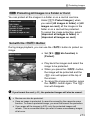
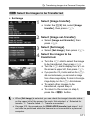
3 Protecting All Images in a Folder or Card
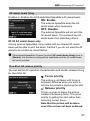
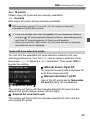
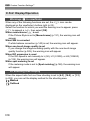
You can protect all the images in a folder or on a card at one time.
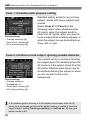
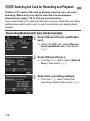
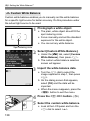
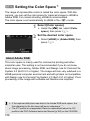
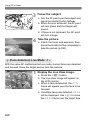
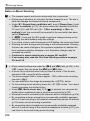
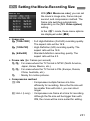
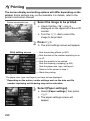
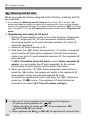
Under [31: Protect images], when
you select [All images in folder] or [All
images on card], all the images in the
folder or on a card will be protected.
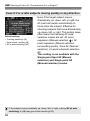
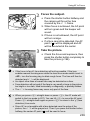
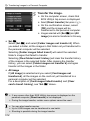
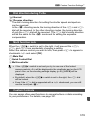
To cancel the image protection, select
[Unprotect all images in folder] or
[Unprotect all images on card].
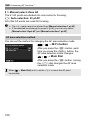
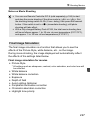
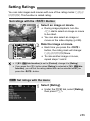
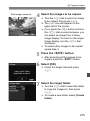
Set with the <c> Button
During image playback, you can use the <c> button to protect an
image.
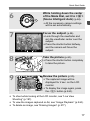
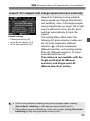
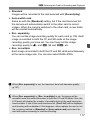
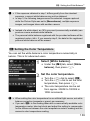
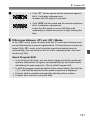
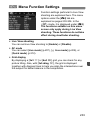
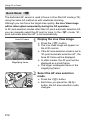
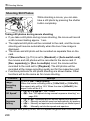
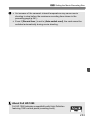
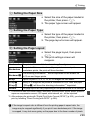
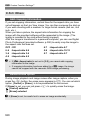
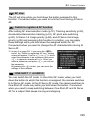
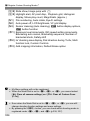
Set [53: m btn function] to
[Protect].
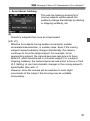
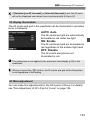
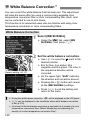
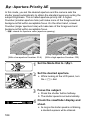
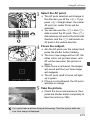
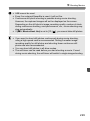
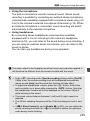
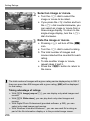
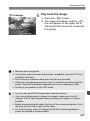
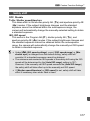
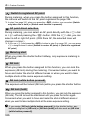
Play back the images and select the
image to be protected.
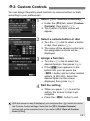
When you press the <c> button,
the image will be protected and the
<K> icon will appear at the top of
the screen.
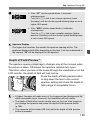
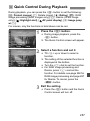
To cancel the image protection, press
the <c> button again. The <K>
icon will disappear.
If you format the card (p.53), the protected images will also be erased.
Movies can also be protected.
Once an image is protected, it cannot be erased by the camera’s erase
function. To erase a protected image, you must first cancel the protection.
If you erase all the images (p.278), only the protected images will
remain. This is convenient when you want to erase unnecessary images
all at once.
273