1
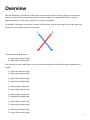
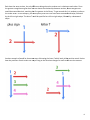
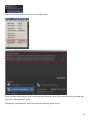
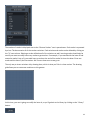
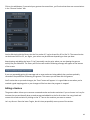
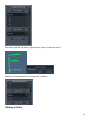
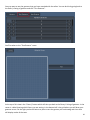
You may then realize that you actually were trying to draw the letter F all along and not E, so you want to get
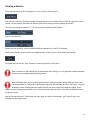
rid of the last stroke. You can delete a stroke and all of its variations simply by clicking on the “X” next to the
stroke.
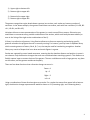
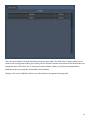
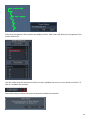
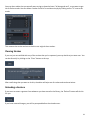
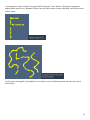
This removes the stroke and sets us back to our original three strokes.
Clearing Strokes
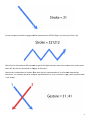
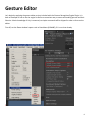
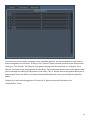
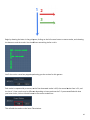
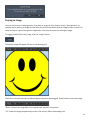
If you are just not satisfied with any of the strokes that you’ve captured, you may decide to just start over. You
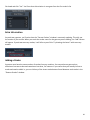
can do this easily by clicking on the “Clear” button at the top.
After confirming that you want to do this, the editor will wipe out all strokes and stroke variations.
Reloading a Gesture
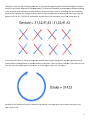
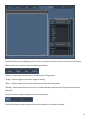
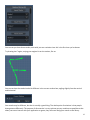
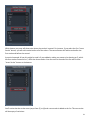
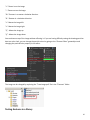
If you want to restart a gesture from whatever you have stored in the library, the “Reload” button will do this
for you.
If you have unsaved changes, you will be prompted before the reload occurs.
23