1
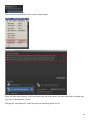
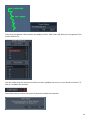
You may want to test the gestures that you have recorded with the editor. You can do this by going back to
the library’s listing of gestures and click “Test Gestures”.
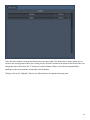
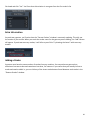
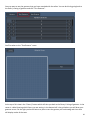
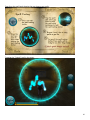
You’ll be taken to the “TestGestures” scene.
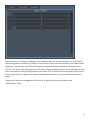
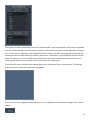
At the top of this view is the “Library” button which will take you back to the library’s listing of gestures. In the
center is a label showing which library you are testing. In the bottom left is the grid where you will draw your
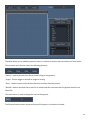
gestures to test. On the right you have a button to press to test the gesture you are drawing and a box that
will display results of the tests.
26