1
CubeSuite+ V2.00.00
APPENDIX A WINDOW REFERENCE
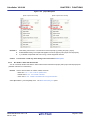
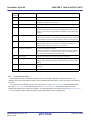
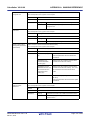
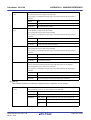
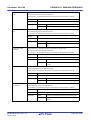
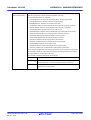
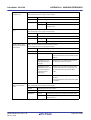
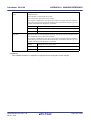
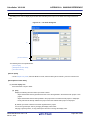
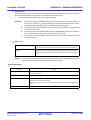
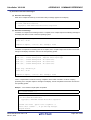
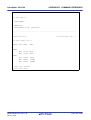
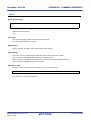
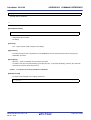
Commands executed
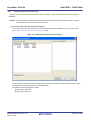
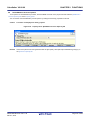
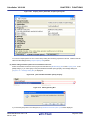
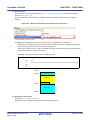
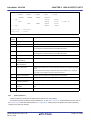
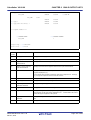
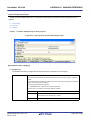
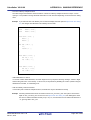
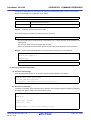
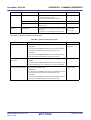
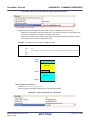
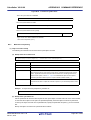
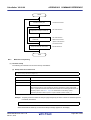
Specify the command to be executed after compile processing.
after compile processing
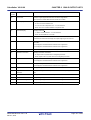
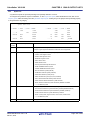
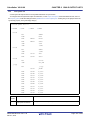
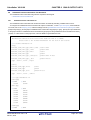
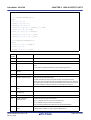
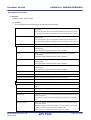
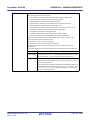
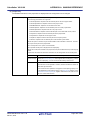
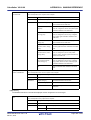
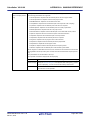
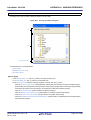
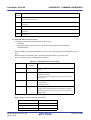
The following placeholders are supported.
%ActiveProjectDir%: Replaces with the absolute path of the active project folder.
%ActiveProjectName%: Replaces with the active project name.
%BuildModeName%: Replaces with the build mode name.
%CompiledFile%: Replaces with the absolute path of the output file under compiling.
%InputFile%: Replaces with the absolute path of the file to be compiled.
%MainProjectDir%: Replaces with the absolute path of the main project folder.
%MainProjectName%: Replaces with the main project name.
%MicomToolPath%: Replaces with the absolute path of the install folder of this product.
%Options%: Replaces with the command line option under build execution.
%OutputDir%: Replaces with the absolute path of the output folder.
%OutputFile%: Replaces with the absolute path of the output file.
%Program%: Replaces with the program name under execution.
%ProjectDir%: Replaces with the absolute path of the project folder.
%ProjectName%: Replaces with the project name.
%TempDir%: Replaces with the absolute path of the temporary folder.
%WinDir%: Replaces with the absolute path of the Windows system folder.
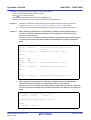
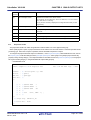
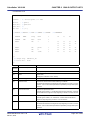
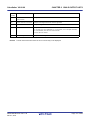
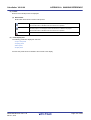
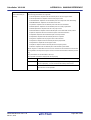
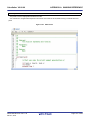
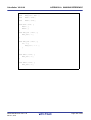
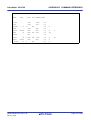
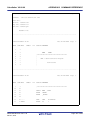
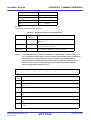
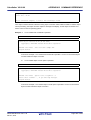
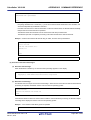
When "#!python" is described in the first line, the contents from the second line to the last line
are regarded as the script of the Python console, and then executed after compile processing.
The placeholders can be described in the script.
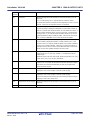
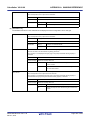
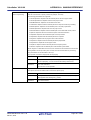
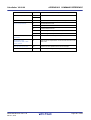
The specified command is displayed as the subproperty.
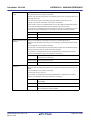
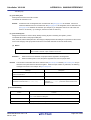
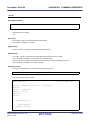
Default
Commands executed after compile processing[number of defined items]
How to change
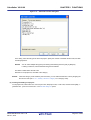
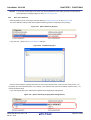
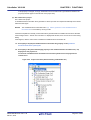
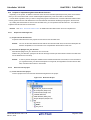
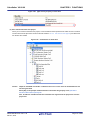
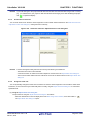
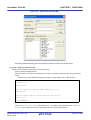
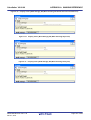
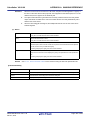
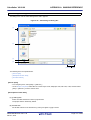
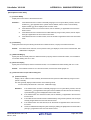
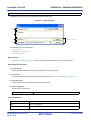
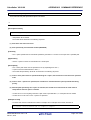
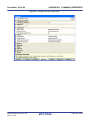
Edit by the Text Edit dialog box which appears when clicking the [...] button.
For the subproperty, you can use the text box directly enter the text.
Restriction
Up to 1023 characters
Up to 64 items can be specified.
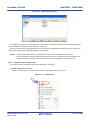
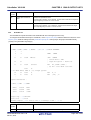
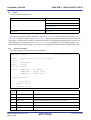
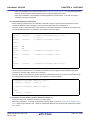
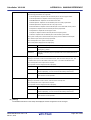
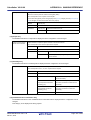
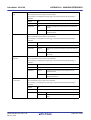
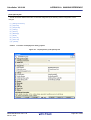
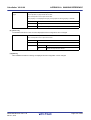
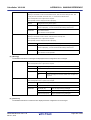
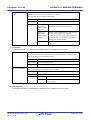
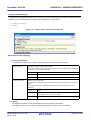
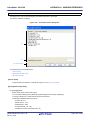
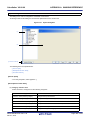
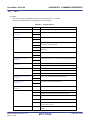
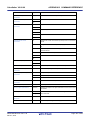
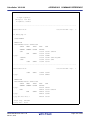
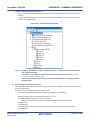
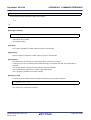
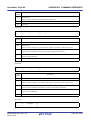
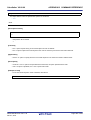
Other additional options
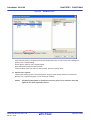
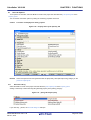
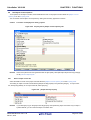
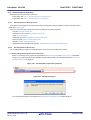
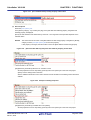
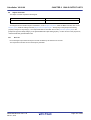
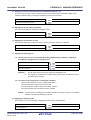
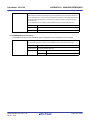
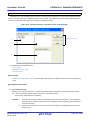
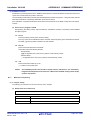
Input the compile options to be added additionally.
The options set here are added at the end of the compile options group.
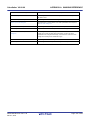
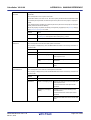
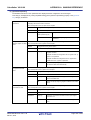
Default
Configuration of the general option
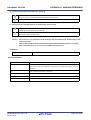
How to change
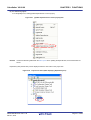
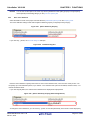
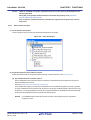
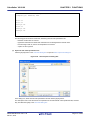
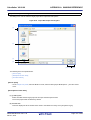
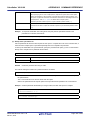
Directly enter to the text box or edit by the Character String Input dialog box
which appears when clicking the [...] button.
Restriction
R20UT2623EJ0100 Rev.1.00
Dec 01, 2013
Up to 259 characters
Page 261 of 638