1
CubeSuite+ V2.00.00
APPENDIX B COMMAND REFERENCE
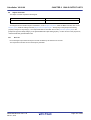
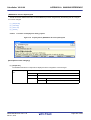
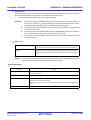
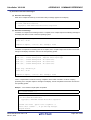
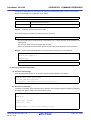
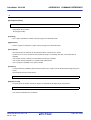
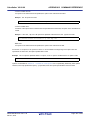
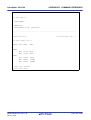
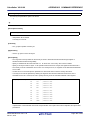
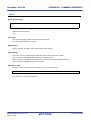
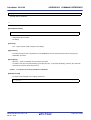
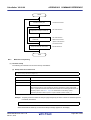
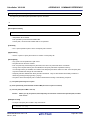
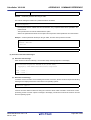
To start up the assembler from a parameter file, specify the parameter file option (-f) on the command line.
Start up the assembler from a parameter file as follows:
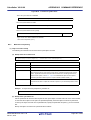
X>ra78k0r[ΔSource-file]Δ-fparameter-file-name
-f
Parameter file specification option
parameter-file-name
A file which includes the data required to start up the assembler
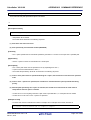
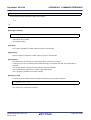
Remark
Create the parameter file using an editor.
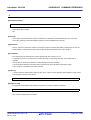
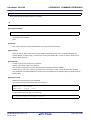
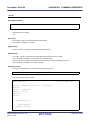
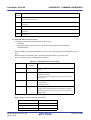
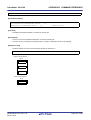
The rules for writing the contents of a parameter file are as follows:
[Δ]option[Δoption]...
- If the source file name is omitted from the command line, only 1 source file name can be specified in the
parameter file.
- The source file name can also be written after the option.
- Write in the parameter file all assemble options and output file names specified in the command line.
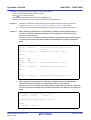
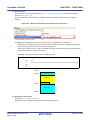
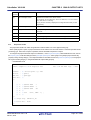
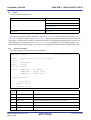
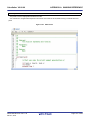
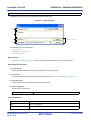
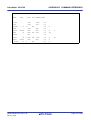
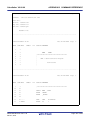
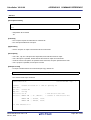
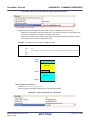
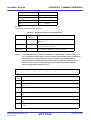
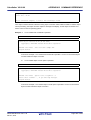
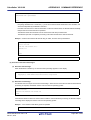
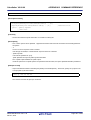
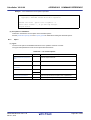
Example Create a parameter file k0rmain.pra using an editor, and then start up the assembler.
; parameter file
k0rmain.asm -osample.rel
-psample.prn
C:\>ra78k0r -fk0rmain.pra
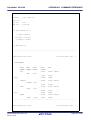
(2) Execution start and end messages
(a) Execution start message
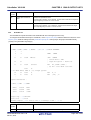
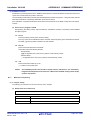
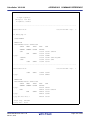
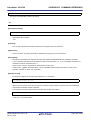
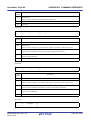
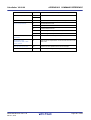
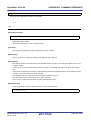
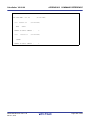
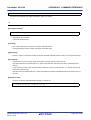
When the assembler is started up, an execution startup message appears on the display.
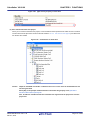
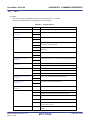
78K0R Assembler Vx.xx [xx xxx xxxx]
for RL78,78K0R Microcontroller
Copyright(C) xxxx-xxxx Renesas Electronics Corporation
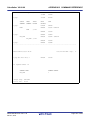
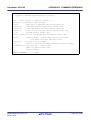
(b) Execution end message
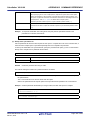
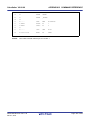
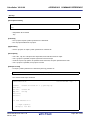
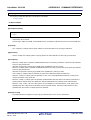
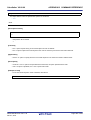
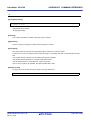
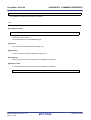
If it detects no assembly errors resulting from the assembly, the assembler outputs the following message to
the display and returns control to the host operating system.
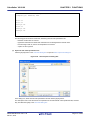
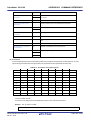
PASS1 Start
PASS2 Start
Target chip : uPD78xxx
Device file : Vx.xx
Assembly complete, 0 error(s) and 0 warning(s) found.
R20UT2623EJ0100 Rev.1.00
Dec 01, 2013
Page 401 of 638