1
CubeSuite+ V2.00.00
APPENDIX A WINDOW REFERENCE
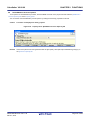
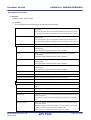
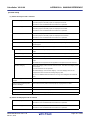
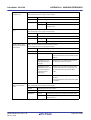
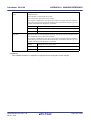
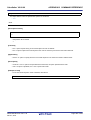
Commands executed
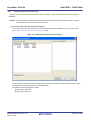
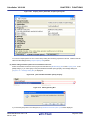
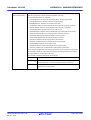
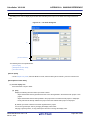
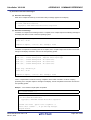
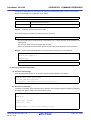
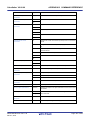
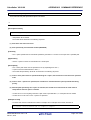
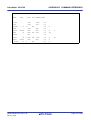
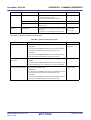
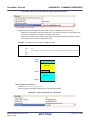
Specify the command to be executed before assemble processing.
before assemble pro-
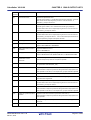
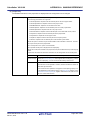
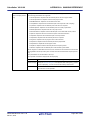
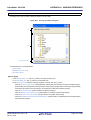
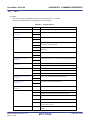
The following placeholders are supported.
cessing
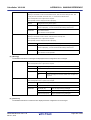
%ActiveProjectDir%: Replaces with the absolute path of the active project folder.
%ActiveProjectName%: Replaces with the active project name.
%AssembledFile%: Replaces with the absolute path of the output file under assembling.
%BuildModeName%: Replaces with the build mode name.
%InputFile%: Replaces with the absolute path of the file to be assembled.
%MainProjectDir%: Replaces with the absolute path of the main project folder.
%MainProjectName%: Replaces with the main project name.
%MicomToolPath%: Replaces with the absolute path of the install folder of this product.
%Options%: Replaces with the command line option under build execution.
%OutputDir%: Replaces with the absolute path of the output folder.
%OutputFile%: Replaces with the absolute path of the output file.
%Program%: Replaces with the program name under execution.
%ProjectDir%: Replaces with the absolute path of the project folder.
%ProjectName%: Replaces with the project name.
%TempDir%: Replaces with the absolute path of the temporary folder.
%WinDir%: Replaces with the absolute path of the Windows system folder.
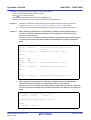
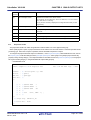
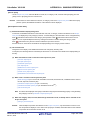
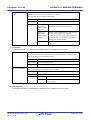
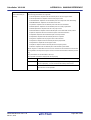
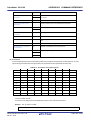
When "#!python" is described in the first line, the contents from the second line to the last line
are regarded as the script of the Python console, and then executed before assemble processing.
The placeholders can be described in the script.
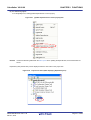
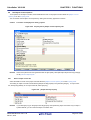
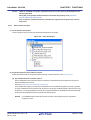
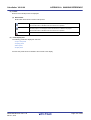
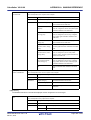
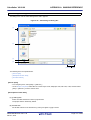
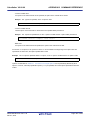
The specified command is displayed as the subproperty.
Default
Commands executed before assemble processing[number of defined items]
How to change
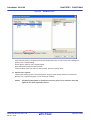
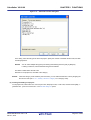
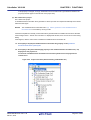
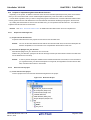
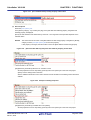
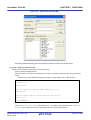
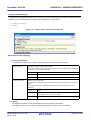
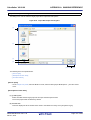
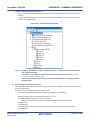
Edit by the Text Edit dialog box which appears when clicking the [...] button.
For the subproperty, you can use the text box directly enter the text.
Restriction
Up to 1023 characters
Up to 64 items can be specified.
R20UT2623EJ0100 Rev.1.00
Dec 01, 2013
Page 268 of 638