1
Part B:
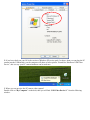
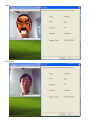
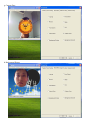
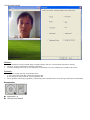
Performance after driver software installed:
Note: Under the Windows XP Service Pack 2 operation system, please make sure you plugged the camera USB
into the initial USB interface that you had installed driver software. Otherwise, you plug the camera into other USB
interface not installed driver software, the camera will performance as Part A
Parameters and features
¾ 5.0Mega pixels resolution
¾ High resolution CMOS color sensor
¾ Video mode: 24bit true color
¾ Large video capture size: 2560 × 1920
¾ Interface: USB2.0 high-speed
¾ Transmission Rate: 640 × 480 up to 30fps
¾ Noise-signal ration: greater than 48db (30fps 220LUX)
¾ Dynamic range: greater than 72db
¾ Optional flicker: 50Hz or 60Hz
¾ Image focus: 5cm to infinity
¾ Build-in image compression
¾ Automatic brightness adjustment
¾ Automatic color compensation
¾ Manual focus
Computer Requirement
Hardware:
¾ Desktop PC or laptop PC with USB2.0 interface
¾ Pentium 200 or higher CPU
¾ 32MB or higher memory
¾ Over 200MB free hard disc space
¾ 32MB or higher memory
¾ CD Rom drive
Software:
¾ Operation system:
Windows2000, XP service pack 1
Windows XP service pack 2 or above version;
Windows Vista compatible.
Camera Driver Software Installation
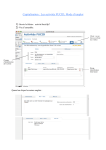
1. Insert the software CD to your CD-ROM drive, and find the software from the CD ROM as below, double click
it to start the driver installation.