1
2
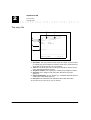
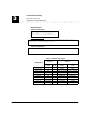
Alphabetical AD
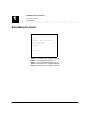
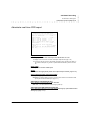
Reset AD
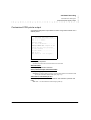
Reset AD
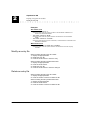
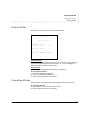
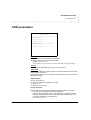
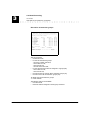
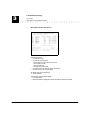
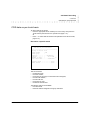
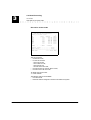
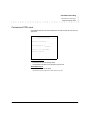
This feature is used to delete all the entry files included in the system directory.
Reset AD
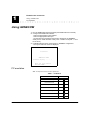
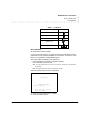
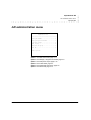
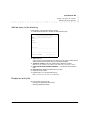
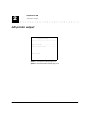
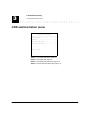
---------------------------------------Reset will delete all the data
contained in the alphabetical AD.
1. Press the “Enter” button.
To quit alphabetical AD without modifying, press the “F4” button.
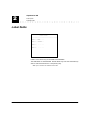
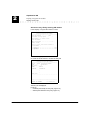
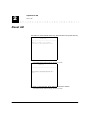
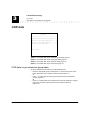
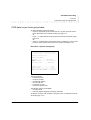
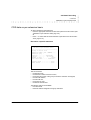
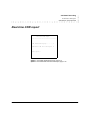
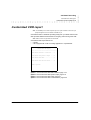
Reset AD
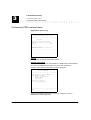
----------------------------------------
Do you want to delete all the data
contained in the alphabetical AD
(Y/N) ? .................... : .
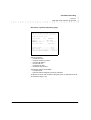
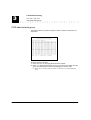
2. Enter “Y” then press the “Enter” button to confirm the deletion.
To quit alphabetical AD without modifying, press the “F4” button.
2-14
EuroGeneris User’s manual
Version 600