1
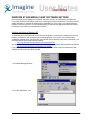
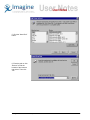
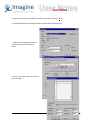
3. Select “My Computer”
and click “Next”
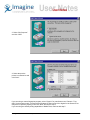
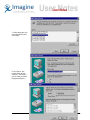
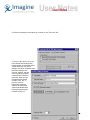
4. Select the port the
printer is connected to and
click “Next”.
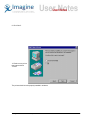
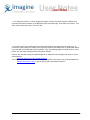
If you are using a custom fingerprint program, select “Generic” for manufacturer and “Generic / Text
Only” for the printer model. (You must have Windows NT Service Pack 4 or higher for the Generic/Text
Only driver to perform properly) Then click “Next” and skip to step 8.
If you are using the default printing capabilities of Media client, continue with step 5.
© Imagine Communications Corp.
5