1
Rayzoon Jamstix 3
User Manual
12.1 MIDI Remote Control
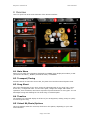
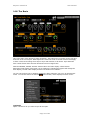
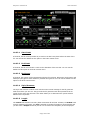
A very cool feature of the Jamstix mixer is the ability to remote control it via MIDI controllers.
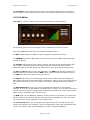
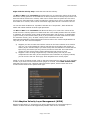
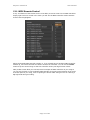
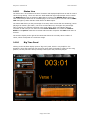
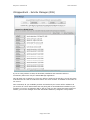
Simply right-click on a control in the mixer you will see the MIDI controller window with the
chosen control highlighted.
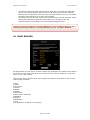
Select the desired MIDI controller number or, if you already have a hardware MIDI controller
hooked up, move that controller for Jamstix to learn the controller. You can use the Invert
switch to flip the control range so that low controller values yield high function values.
Many modern hosts allow you to draw/record envelopes of MIDI controllers in your song so
you can use the host or your hardware MIDI controller to remote-control aspects of the mixer
at certain parts of your song, such as opening the stereo width during an intro or reducing a
EQ high band during an ending.
Page 21 of 67