1
Effective 19 October 2013
g)
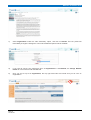
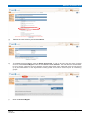
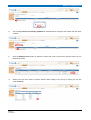
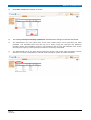
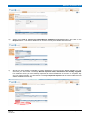
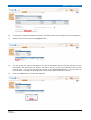
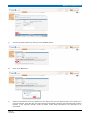
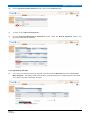
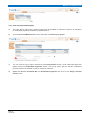
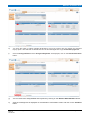
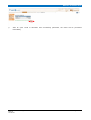
Review the user summary and click Continue.
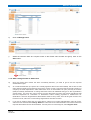
3.1.5 STEP 5: Create users for each financial account
a)
The client is provided with administrative tools to allow users different levels of access. For example, the
eFiling administrator at the client’s head office can give access to each of the trader’s branch managers to
use the eAccount functions per licensee account. The users will each receive a specific logon username and
first time password, which need to be changed on initial login. Once the user is created, he/she can be
linked to an Excise group.
b)
This process must be achieved in two steps:
i)
ii)
c)
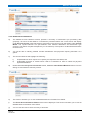
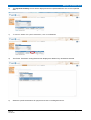
Firstly, create all the users by following steps (c) to (g); and
Secondly, assign these users (or user) to a group and a financial account, steps (h) to (x).
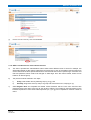
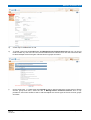
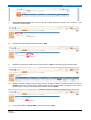
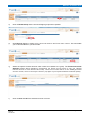
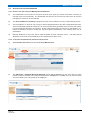
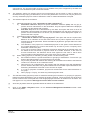
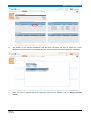
Select Register New and complete the details. Please remember that the user name and first time
password needs to be given to the user to gain access to eFiling. The number of users will depend on the
business requirements of the eFiler and this process (i.e. (c) to (g)) can be repeated to create a number of
users.
Excise eAccount on eFiling: User Manual External
FIN-AM-03
Revision: 1
Page 11 of 41