1
2900 MANUAL
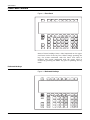
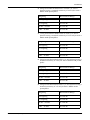
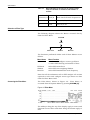
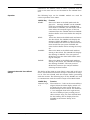
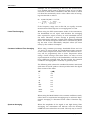
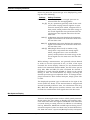
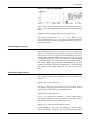
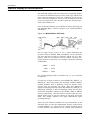
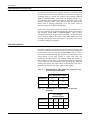
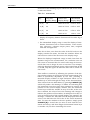
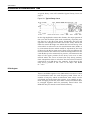
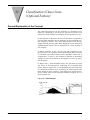
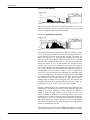
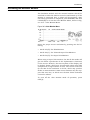
Press one of the following keys to obtain the full screen range
as indicated below:
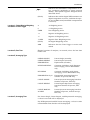
Table 19-1 Vertical Scales
Key
*Log Full
Display Range
*Linear Full
Display Range
† Normalized
Display Range
8* [A]
10
100% to 87.5%
0.12 to -0.12
4* [B]
20
100% to 75.0%
0.25 to -0.25
2* [C]
40
100% to 50%
0.50 to -0.50
1* [D]
80
100% to 0%
1.00 to -1.00
* Display of frequency domain functions will be either log or
linear.
† The Normalized display range is used for display of timedomain functions such as autocorrelation, cross correlation, coherence, coherent output power, time, weighted
time and averaged time.
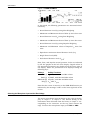
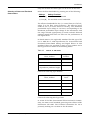
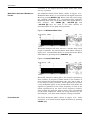
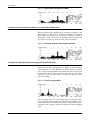
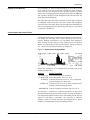
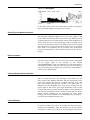
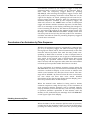
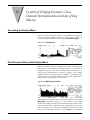
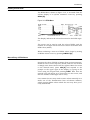
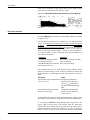
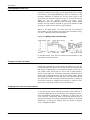
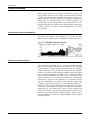
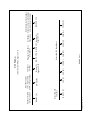
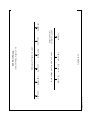
After this is done, note that the value of the full scale on the
display remains the same, but that the numbers below are
reduced as a result of the decrease in the display range.
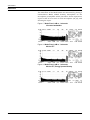
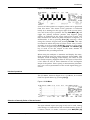
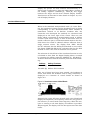
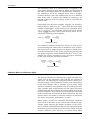
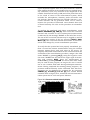
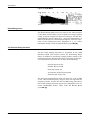
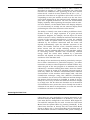
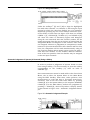
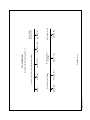
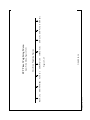
When the displayed amplitude range is made less than the
dynamic range of the measurement, the resolution seen on
the screen is increased but the entire valid range of the measured data can no longer be seen at one time. For example,
when the displayed amplitude range is decreased from 80 dB
to 20 dB, only the upper 20 dB of the data will be visible on
the screen.
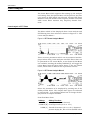
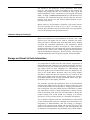
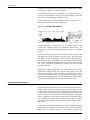
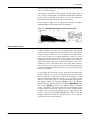
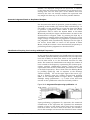
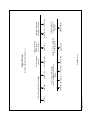
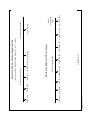
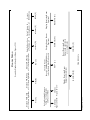
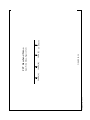
This conflict is resolved by offsetting the position of the display window relative to the full scale of the measurement. The
offset is dynamically adjustable by the user, providing a
moveable display window of high resolution which can be
shifted up or down through the range of the measured data.
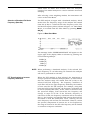
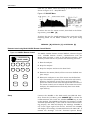
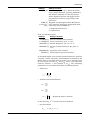
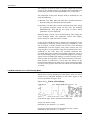
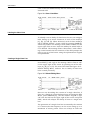
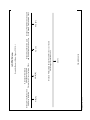
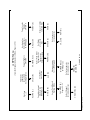
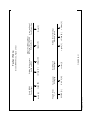
This is done from the Shift Menu by pressing V.OFSET [D],
which will produce the message “*V.Offset xx” indicating that
the horizontal arrow keys have been assigned to control the
position of the vertical display window. Use the horizontal
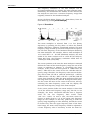
arrow keys to shift the window in step of 10 dB. As the window is shifted, the value of xx in the message will change to
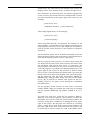
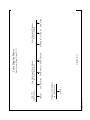
indicate the position of the window, in multiples of 10 dB, relative to the full scale of the original display. For example, the
message “*V.Offset-03” indicates that the displayed full scale
value is 30 dB below the full scale of the actual measured
data. To reset the window to the zero position, simply press
V.OFSET [D] a second time (or move it back with the horizontal arrow keys, and then assign the horizontal arrow keys
to another role, such as controlling the cursor.
19-6
Control of Display Formats, Cross-Channel Normalization and Use of Key Macros