1
2900 MANUAL
Activating the External Monitor
The hardware module and the external monitor should be
switched on when the 2900 is turned on and booted up. If the
monitor is connected later, a reboot will be necessary. After
the bootup procedure is completed, press SYSTEM , and then
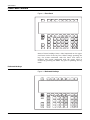
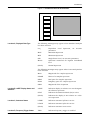
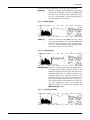
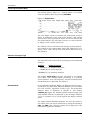
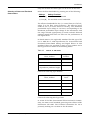
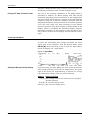
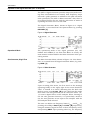
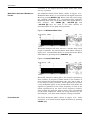
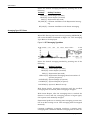
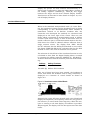
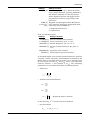
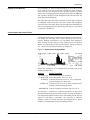
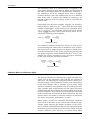
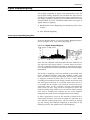
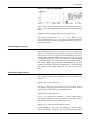
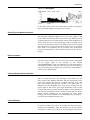
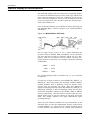
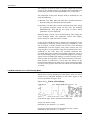
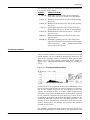
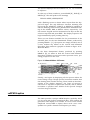
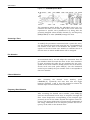
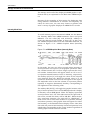
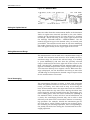
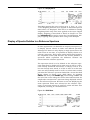
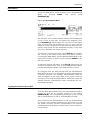
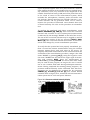
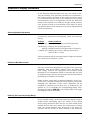
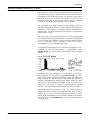
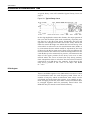
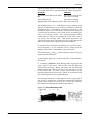
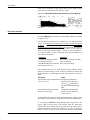
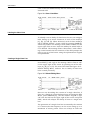
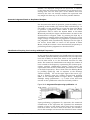
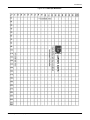
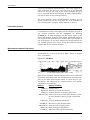
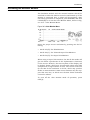
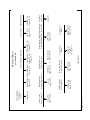
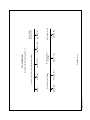
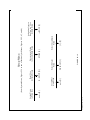
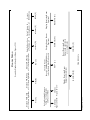
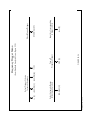
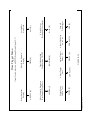
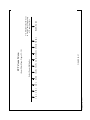
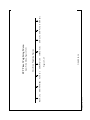
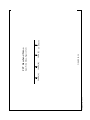
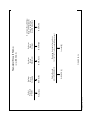
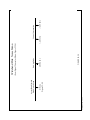
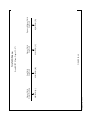
COLOR [M] to access the Color Monitor Menu, shown in Figure 24-3 : Color Monitor Menu.
Figure 24-3 Color Monitor Menu
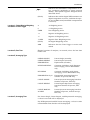
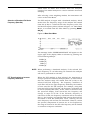
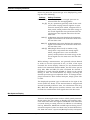
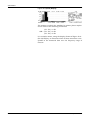
Select the proper screen resolution by pressing one the following:
• 640 X 350 [B] For EGA Monitors
• 640 X 480 [C] For VGA and Super VGA Monitors
• 800 X 600 [D] For Super VGA Monitors
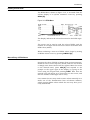
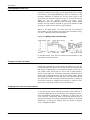
When using a Super VGA monitor, the 800 X 600 mode will
give the finest reproduction of the alphanumeric characters
on the screen. However, the time response of the display will
be slightly slower, which may be noticeable when using FFT
analysis with a high number of lines. The vertical scan rate
for the 800 X 600 resolution is 56 Hz, which may produce
flicker on some monitors. Some newer monitors may not support this scan rate, in which case the 800 X 600 resolution
cannot be utilized.
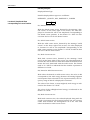
To turn off the color monitor mode of operation, press
OFF [A] .
Use of External Color Monitor for Display and Instrument Control
24-3