1
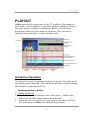
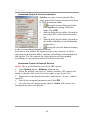
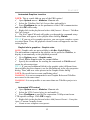
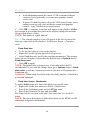
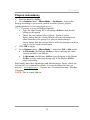
PLAYOUT PLAYOUT AirBox provides the playout part of the TV workflow. Depending on your needs, you can combine it with other PlayBox modules to fit best into your specific workflow requirements. Below, you will find a description of the two basic modes of operation. They can also be combined with each other to achieve better results. Interactive Operation The interactive mode of operation involves an operator that will control the playout system manually. This will allow last minute playlist editing and schedule re-ordering on the fly. Building playlists in AirBox A. Adding media files: Right-click in the playlist and select Add/Insert > Media files; Browse for the folder that contains the media files; Select the one you need. In case you want to insert more than one file, hold down the <Ctrl> key while clicking in them; 7