1
ENGLISH
3. Hardware installation
3.1
HDD installation
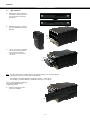
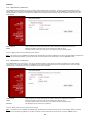
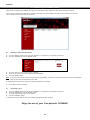
A.
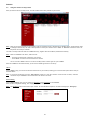
Slide the lock switch (located on
the bottom of the front panel) to
the right position to unlock the
front panel.
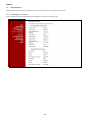
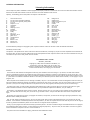
B.
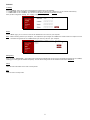
Slide the front panel up and pull
it off the CH3MNAS to access the
HDD bays.
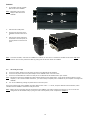
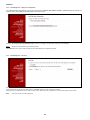
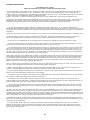
C.
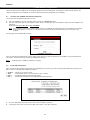
Insert 1 or 2 SATA 3.5” hard disk
drives into the available drive
bays until they are firmly
connected to the SATA slot on
the server.
Note: The upper HDD bay is the primary HDD bay, the bottom HDD bay is the secondary HDD bay.
If you want to install only 1 HDD, use the upper HDD bay.
The hard disk in the upper HDD bay is initialized as Volume_1 (/mnt/HD_a2).
The hard disk in the lower HDD bay is initialized as Volume_2 (/mnt/HD_b2).
You can secure the HDD’s by fastening
them to the CH3MNAS with the
included HDD screws.
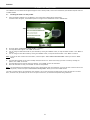
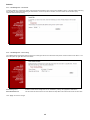
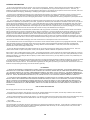
D.
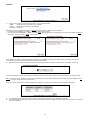
Slide the 2 side panels to the
front of the CH3MNAS.
3