1
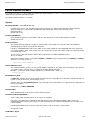
CBLIINI control file
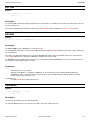
CBLIINI Standard Variables
(CBLVCAT)
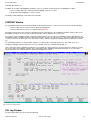
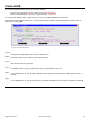
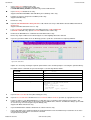
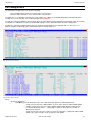
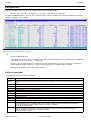
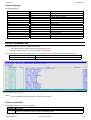
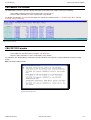
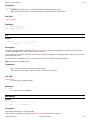
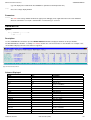
DefaultCommand=(<) (CBLi VCAT CLI command input)
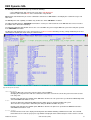
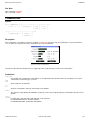
Specifies the CBLVCAT Interactive input parameters to be used when the CBLVCAT Interactive window is opened with no
parameters.
The syntax is the same as that specified on a CBLi CLI VCAT command. i.e. any valid CBLVCAT syntax or input via a
control file e.g. "< cbl.ssc.ctl(report1)".
If the input parameters are prefixed by "<" (less than), the command is actioned immediately when the window is opened.
Otherwise, the command is simply placed at the VCAT Command prompt for edit.
The default action, when no parameters are specified and no CBLVCAT.DEFAULTCOMMAND is set, is to place the
following command string at the VCAT Command prompt:
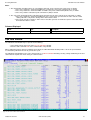
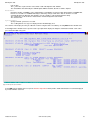
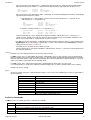
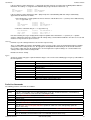
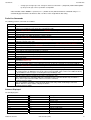
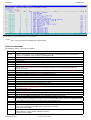
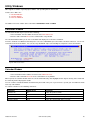
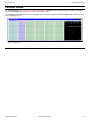
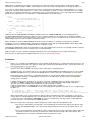
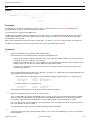
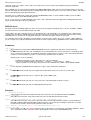
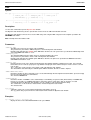
REPORT VCAT DSN TYPE VOL2 !LISTCAT TYPE=U REF=your.master.catalog
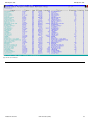
This will generate a report that lists all user catalogs in the master catalog.
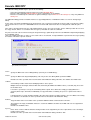
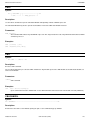
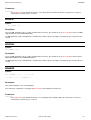
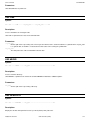
ProgramName=name
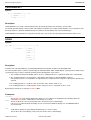
The name of the CBLVCAT load module to be loaded to execute CBLVCAT interactively.
Default value is CBLV.
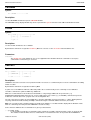
SVC=nnn
For MVS Only, the CBLVCAT SVC number used to open an MVS ICF catalog when CBLi is not running authorised.
During CBLi installation, the installer is prompted to Link Edit this SVC and update this CBLIINI variable.
Default value is 109 which is the MVS extended SVC router SVC. See ESR=nnn below.
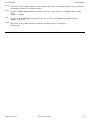
ESR=nnn
For MVS Only, the CBLVCAT extended SVC routing code number. Required if the SVC is 109.
Default value is 222.
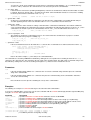
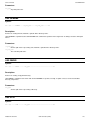
(ISPF)
**MVS Only**
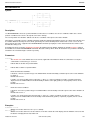
InitialState=ON|OFF
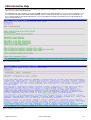
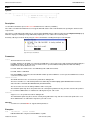
For TSO ISPF environments only, defines whether 3270 I/O is performed by ISPF (ON) or TSO (OFF). The CBLi CLI ISPF
command may subsequently be used to toggle between the two environments.
Default value is ON.
(ISPFEdit)
**MVS Only**
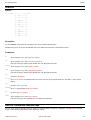
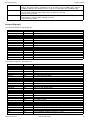
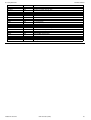
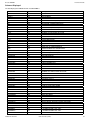
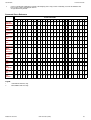
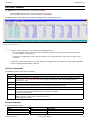
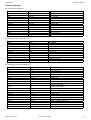
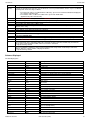
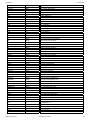
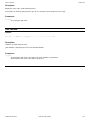
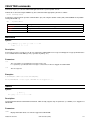
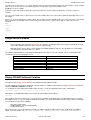
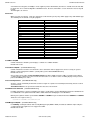
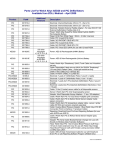
PFnn=cmd
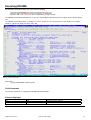
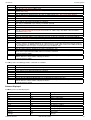
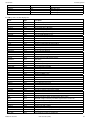
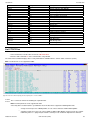
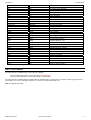
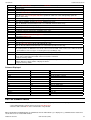
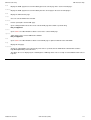
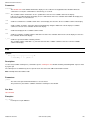
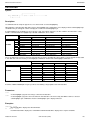
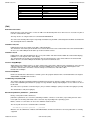
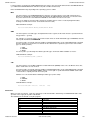
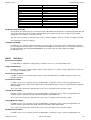
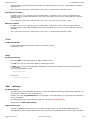
Where nn can be 01-24 (PF1 - PF9 also supported). Set the default CBLe editor PFkeys for INTERFACE=ISPF mode
operation. These apply to any CBLe edit window.
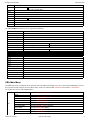
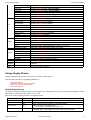
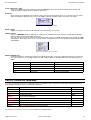
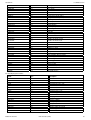
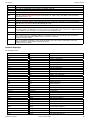
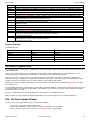
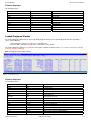
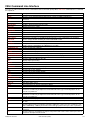
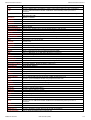
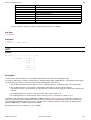
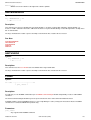
The following are the defaults set by the program:
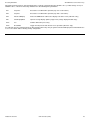
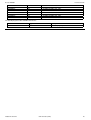
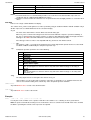
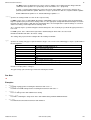
PF1
PF2
PF3
PF4
PF5
PF6
PF7
PF8
PF9
PF10
PF11
PF12
PF13
PF14
PF15
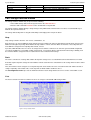
2009/07/20 16:03:29
sos lineadd
duplicate
end
cmdtext
rfind
rchange
up
down
MDINext
left
right
retrieve sos linedel
spltjoin
mark box
CBL Interactive (CBLi)
185