1
Executing SELCOPY
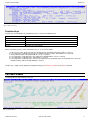
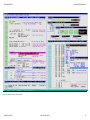
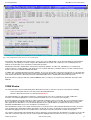
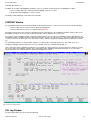
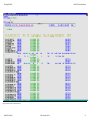
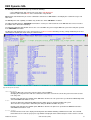
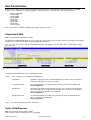
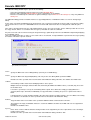
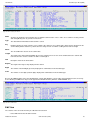
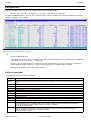
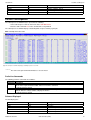
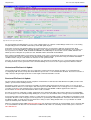
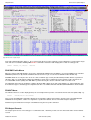
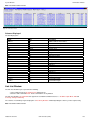
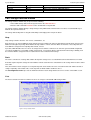
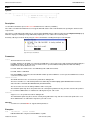
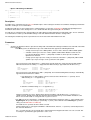
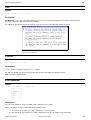
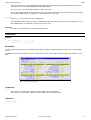
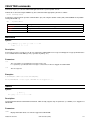
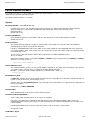
Work Area/Current Input Record Window
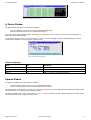
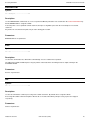
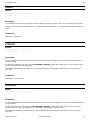
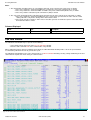
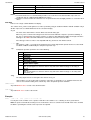
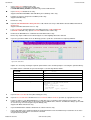
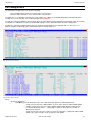
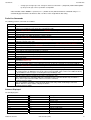
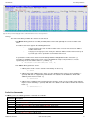
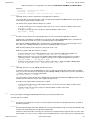
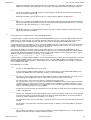
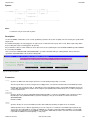
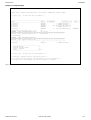
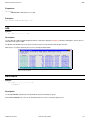
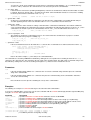
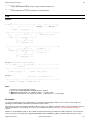
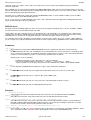
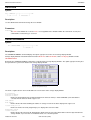
• Enter the SELCOPY Interactive CLI command WINDOW WORKAREA.
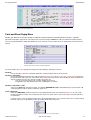
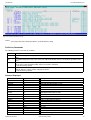
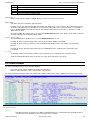
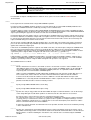
The current status of the user work area (or input record buffer if no work area is allocated) is displayed in the Work Area window.
A Work area window is a storage display window.
Note that, if WORKLEN is not supplied, the Work Area window has the title: Current Input Record.
Any number of Work Area windows may be opened and each window may be tailored to display different portions of the work area.
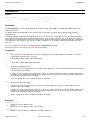
The appearance of the Work Area window may be updated using the storage window display options popup menu. The options
available and methods used to display this menu are documented under the CBLi CLI command SHOWPOPUPMENU.
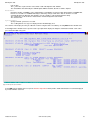
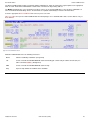
The work area position, in the first row of the Work Area window, is an enterable field (highlighted in red by default.) Here, you may
enter the work area position from which data is to be displayed.
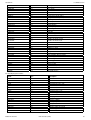
CBLi commands UP CURSOR and DOWN CURSOR may also be used to navigate the Work Area window. By default, UP
CURSOR is assigned to PF07 and DOWN CURSOR is assigned to PF08.
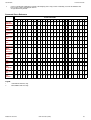
Data in the work area may be altered at any point during the run by overtyping text in either the character or hexadecimal display. A
change to text in the one display will automatically be reflected in the other.
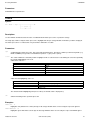
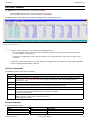
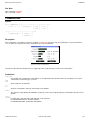
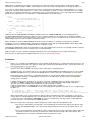
Figure 11. SELCOPY Work Area Window.
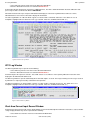
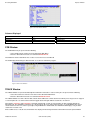
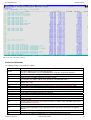
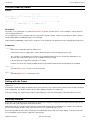
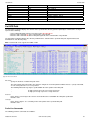
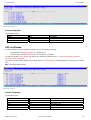
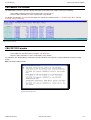
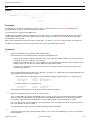
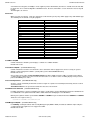
POS Expression Window
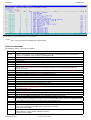
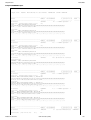
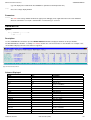
The POS expression window may be opened using the SELCOPY Interactive CLI command WINDOW POS expr. POS expression
windows for special positions POS PARM, DATE, SQLCA, SQLDA and SQLMA may be opened by selecting the "Pos" sub-menu
from the View menu in the SELCOPY Main Menu.
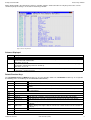
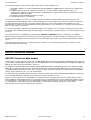
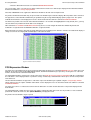
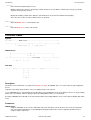
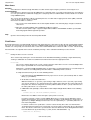
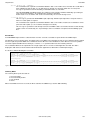
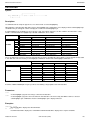
The POS window displays storage in the exactly same way as the Work Area/Current Input Record window with the exception that
the start address of the displayed data is a position in storage evaluated by a valid SELCOPY POS expression instead of position 1
of the work area.
Like the Work Area window, the appearance of the POS expression window may be updated using the storage display window
options popup menu. The options available and methods used to display this menu are documented under the CBLi CLI command
SHOWPOPUPMENU.
The POS expression is re-evaluated at each break in the SELCOPY execution and the data at the new position displayed in the
POS window.
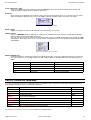
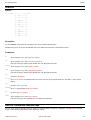
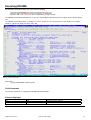
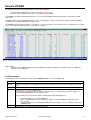
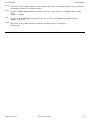
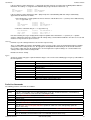
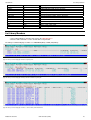
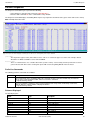
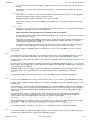
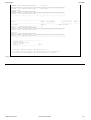
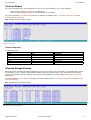
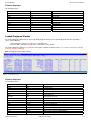
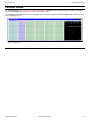
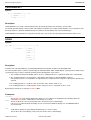
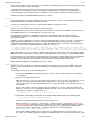
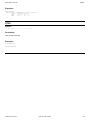
The POS window title contains the POS expression and the evaluated position in the work area in parentheses. If the evaluated
position falls outside the work area, then (Not in WorkArea) is displayed instead.
Any number of POS windows may be opened.
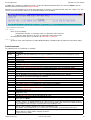
Figure 12. POS Window (inside work area)
2009/07/20 16:03:29
CBL Interactive (CBLi)
20