1
THE MENUS
IN
DETAIL
2.51
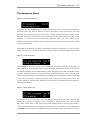
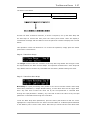
sent to the MIDI Effects Processor, then you should also hear the timing of any echoes
changing.
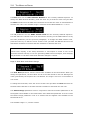
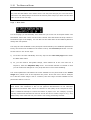
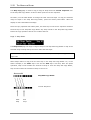
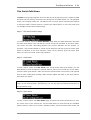
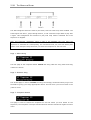
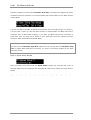
You can change the time to within one thousandth of a second. When you reach this field,
pressing the Select key moves you back to the start of the value whilst pressing the Enter
key will move the cursor to the MCLK field.
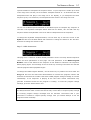
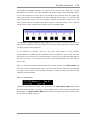
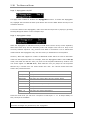
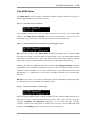
As we said above, the MCLK parameter indicates the number of MIDI Clock messages that
will elapse in the same time and MIDI Clock messages are a standard means of
synchronising one or more musical instruments. This parameter is included because many
musicians prefer to calculate delay times in terms of MIDI Clock messages.
MIDI Clock messages are created at a rate that is related to the current tempo and 24
MIDI Clock messages are generated for every quarter note. So, at a tempo of 120 beats
per minute, the number of MIDI Clocks generated is 24 multiplied by 120 = 2880 per
minute or 48 per second. To create a delay time of 1/4 note at a tempo of 120 beats per
minute then you should set the MCLK parameter to 48. The corresponding delay time will
be 0.5 seconds.
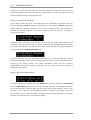
Page 3: Synchronisation
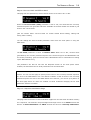
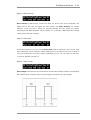
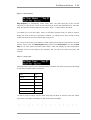
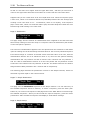
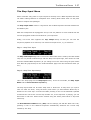
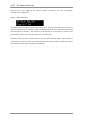
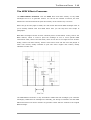
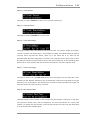
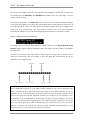
This page features two parameters, the Sync function and the Note Delay Period.
Suppose that you want to set up a Delay Time that is exactly synchronised to the current
tempo. You can use the Sync parameter to do just that. When the Sync parameter is on,
then the Delay Time is calculated for you automatically and any echoes generated by the
MIDI Effects Processor will always appear at an interval related to the Note Delay Period.
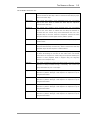
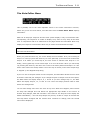
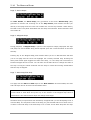
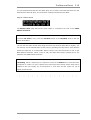
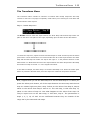
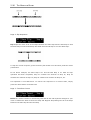
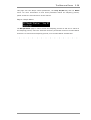
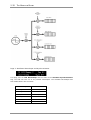
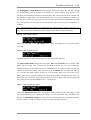
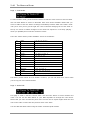
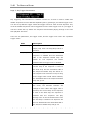
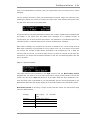
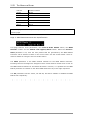
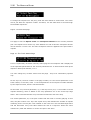
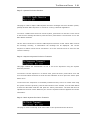
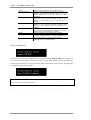
Note Delay Period is set using a range of Note intervals, which are listed below along
with their abbreviations.
SemiQu
Semi-quaver
(A
note)
DSemiQ
Dotted semi-quaver
Quaver
Quaver
dQuver
Dotted quaver
Crotch
Crotchet
ZEIT USER MANUAL
sixteenth