1
THE MENUS
IN
DETAIL
2.3
The Sequence Menu
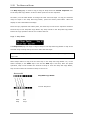
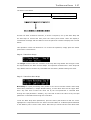
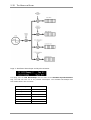
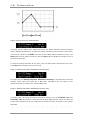
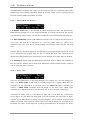
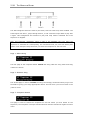
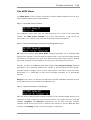
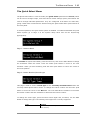
Page 1: Rename Sequence
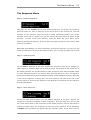
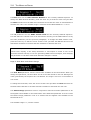
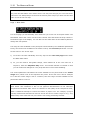
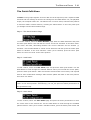
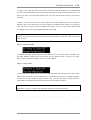
This page lets you rename the currently selected sequence. To rename the sequence,
press the Enter key once so that the cursor moves down to the second line. The first
character of the sequence name will begin to flash, alternating between the current
character and a star (*) symbol. You can now use the data entry wheel to choose a new
character. To move to the next character, press the Select key once. When you’ve
finished renaming the sequence, press the Enter key again so that the cursor moves back
to the Home position.
Remember that although you have successfully renamed the sequence, you have not yet
saved the sequence. You can do that from the same menu a couple of pages further down.
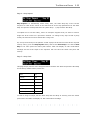
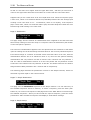
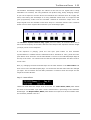
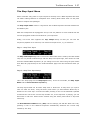
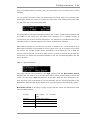
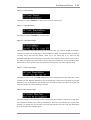
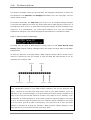
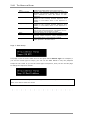
Page 2: Load Sequence
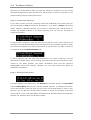
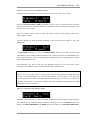
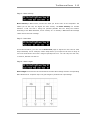
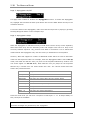
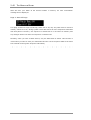
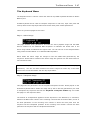
You can load a sequence at any time, whether the sequencer is playing or stopped. To
load a sequence, press the Enter key so that the cursor moves down to the second line of
the display and then use the data wheel to select a sequence from those available. When
you have found the sequence you want to load, press the Select key once. The sequence
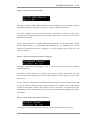
will then be loaded and an OK confirmation message will be displayed as shown. Note that
if the current sequence is playing then the new sequence will load at the end of the
current sequence. If the current sequence is not playing or muted then the new sequence
will load immediately.
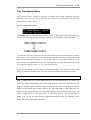
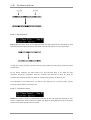
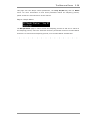
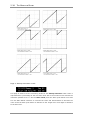
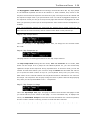
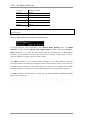
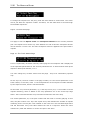
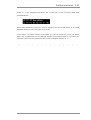
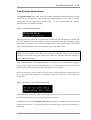
Page 3: Save Sequence
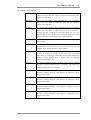
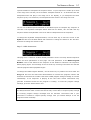
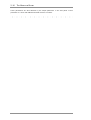
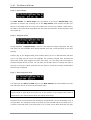
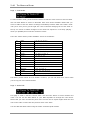
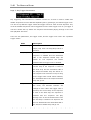
As with the load function above, you can save a sequence at any time, whether the
sequencer is running or stopped. To save a sequence, press the Enter key once so that
the cursor moves down to the second line of the display and then use the data wheel to
select the location where you would like to store the current sequence. If the destination
is locked, then the letter L will appear after the sequence name. If you want to save a
ZEIT USER MANUAL