1
2.62
THE MENUS IN DETAIL
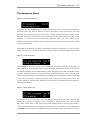
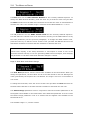
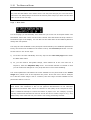
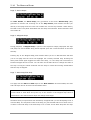
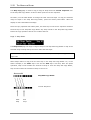
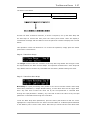
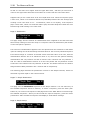
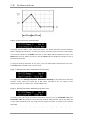
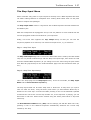
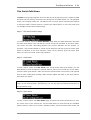
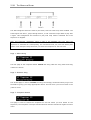
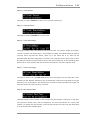
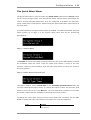
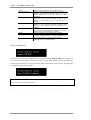
To send a patch, press the Enter button to move the cursor to the first field and then turn
the Data Wheel clockwise to change the field to ‘On. Now press the Select button. ZEIT
will briefly display a ‘Sending…’ message and then return to normal operation.
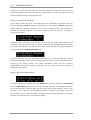
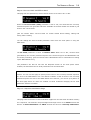
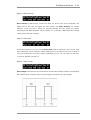
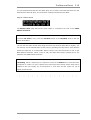
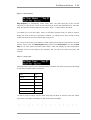
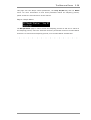
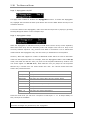
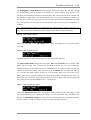
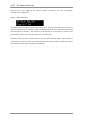
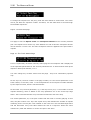
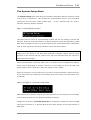
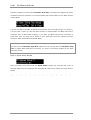
To send all of the patch data within the battery-back memory area, move the cursor to
the All field, use the Data Wheel to change the field to on and then press the Select push
button once. ZEIT will display the message 'Sending…' for a few seconds and then return
to normal operation.
ZEIT USER MANUAL