1
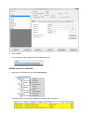
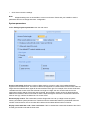
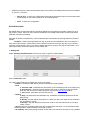
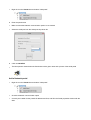
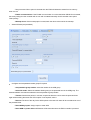
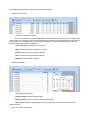
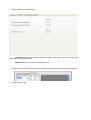
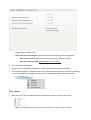
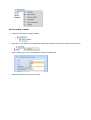
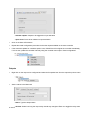
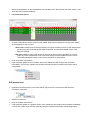
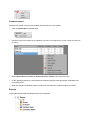
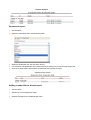
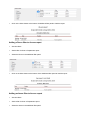
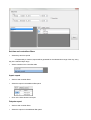
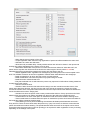
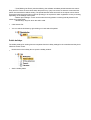
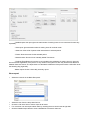
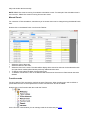
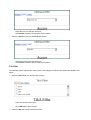
- Assign relays for alarms listed
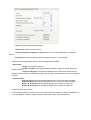
- After alarm, deactivate Output: the behaviour of the ouput after the alarm has triggered.
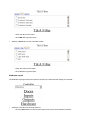
When door is closed: the output will be deactivated when the door is closed.
By Output timeout setting: Output will behave as configured.
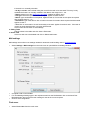
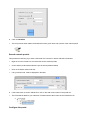
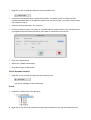
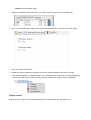
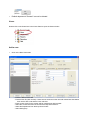
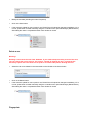
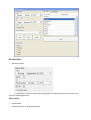
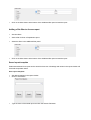
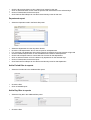
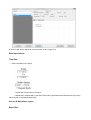
o Click on the Save & Exit button
o Repeat the door configuration procedure on the other doors driven by the same controller
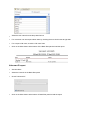
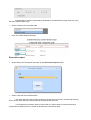
o If the Automatic update for controllers option is set, PROS Plus will configure the controller immediately,
if it is not set, update the controller manually with the controller menu option "Send configuration"
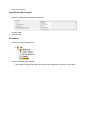
Door control
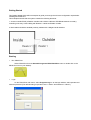
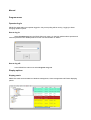
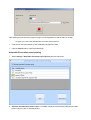
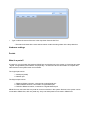
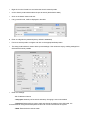
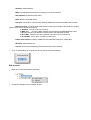
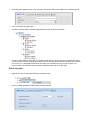
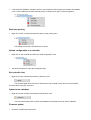
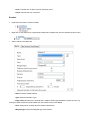
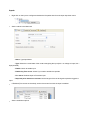
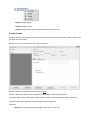
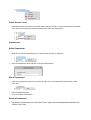
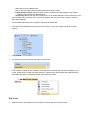
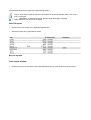
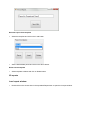
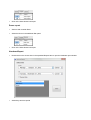
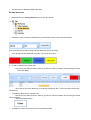
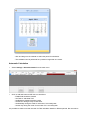
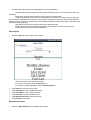
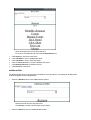
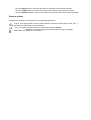
o Right-click on the door to control and select the control item from the door drop-down menu
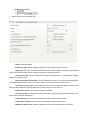
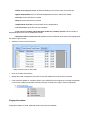
- Open: Acts as legal access to the door, door behavior is the same as normal access