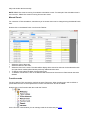
1
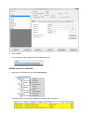
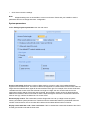
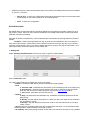
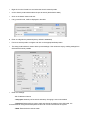
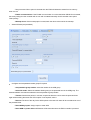
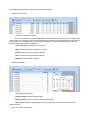
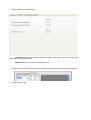
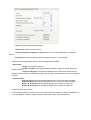
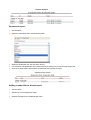
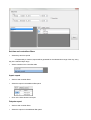
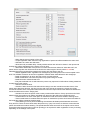
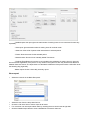
- Gateway: Default gateway
- MAC: Physical address of the device. Changing is not recommended
- DHCP Enable: Enable the DHCP client
- DNS: Address of the DNS server
- Data port: Port used for communication between PROS Plus and devices behind the converter
- Dedicated client: To forbid unauthorized access to devices connected to the portal from another
system, select one of the following options
a. Disabled - no source security checking
b. MAC only
- the source MAC address must be equal to the Dedicated MAC value
c. IP only– the source IP address must be equal to the Dedicated IP value
d. IP or MAC - at least one of the conditions from point b and c must be true
e. IP and MAC - both b and c conditions must be true
- Enable web interface: enable or disable the CNV1000 web interface for configuration
- Web port: Web interface port
- Version: Read-only field displaying the firmware version of the converter
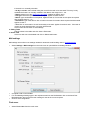
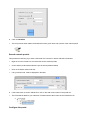
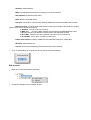
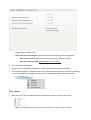
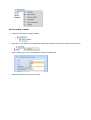
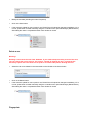
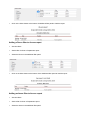
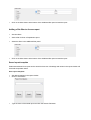
o Click on Send settings to configure the device, wait for the result message
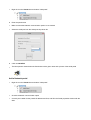
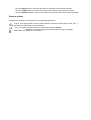
Edit a portal
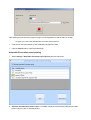
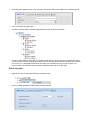
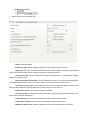
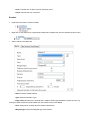
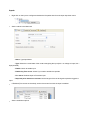
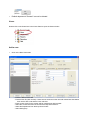
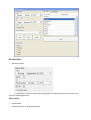
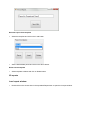
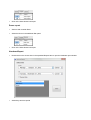
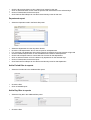
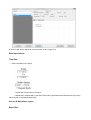
o Right-click on portal and select Properties
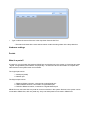
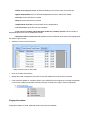
o Change the settings on the properties window