1
Eye Central Monitoring Station User Manual
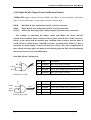
19.2.4 Security Switch setting (*)
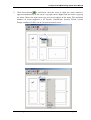
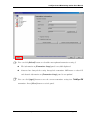
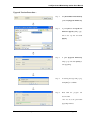
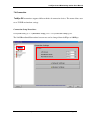
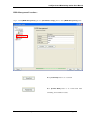
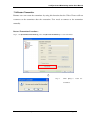
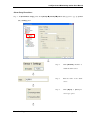
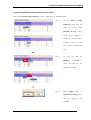
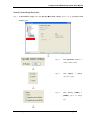
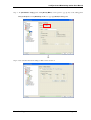
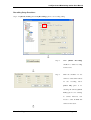
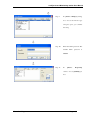
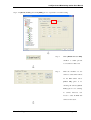
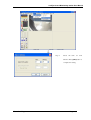
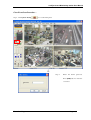
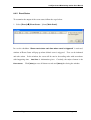
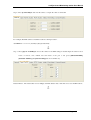
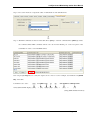
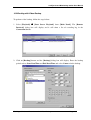
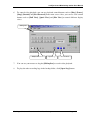
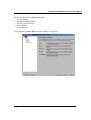
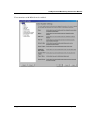
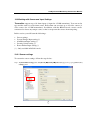
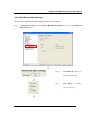
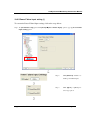
To customize Security Switch settings, follow the steps below:
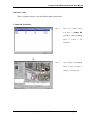
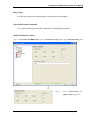
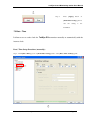
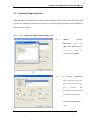
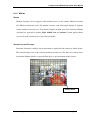
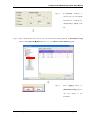
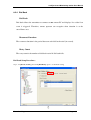
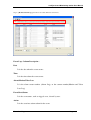
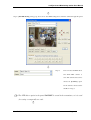
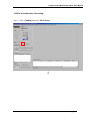
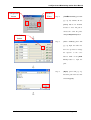
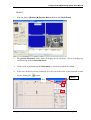
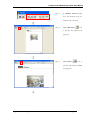
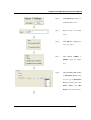
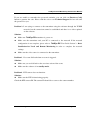
Step 1 : In {Transmitter Setup} panel, click [Event]
[Security Switch] option to pop up {Security Switch
Settings} panel
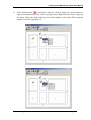
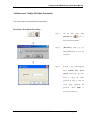
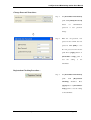
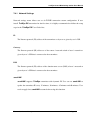
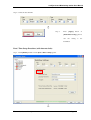
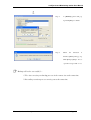
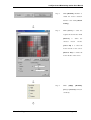
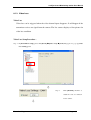
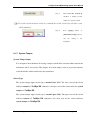
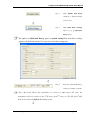
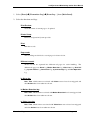
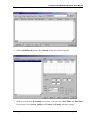
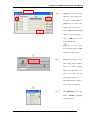
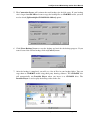
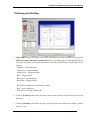
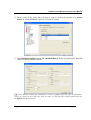
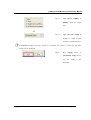
Step 2 :
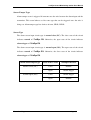
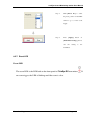
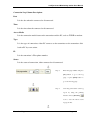
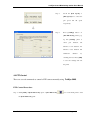
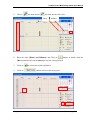
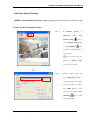
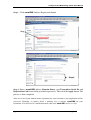
Click [Enabled] checkbox to
enable security switch.
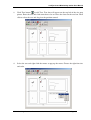
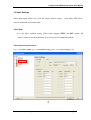
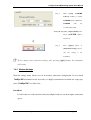
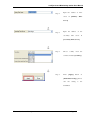
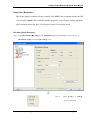
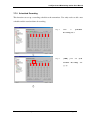
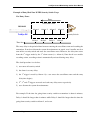
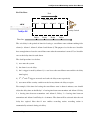
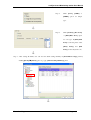
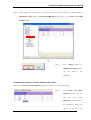
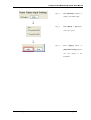
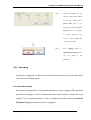
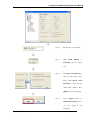
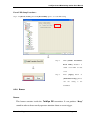
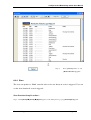
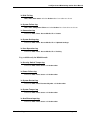
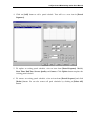
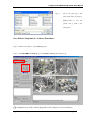
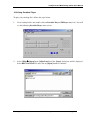
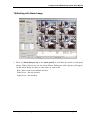
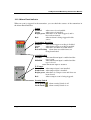
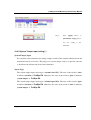
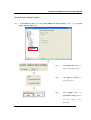
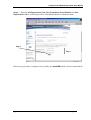
Step 3 :
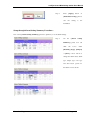
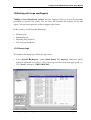
Click
[Open]
or
option for on type.
Supplement For RX Model
Page 242
[Close]