1
Eye Central Monitoring Station User Manual
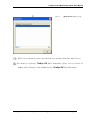
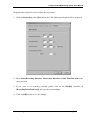
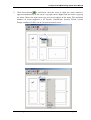
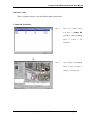
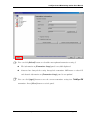
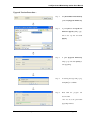
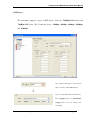
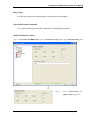
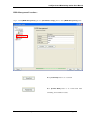
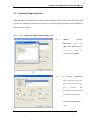
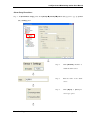
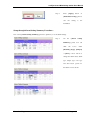
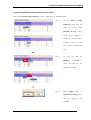
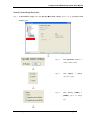
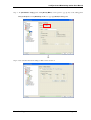
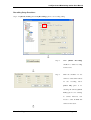
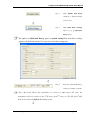
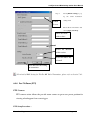
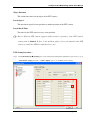
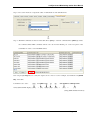
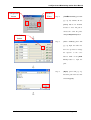
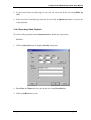
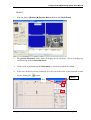
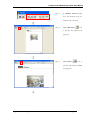
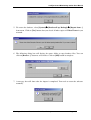
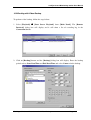
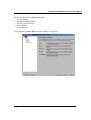
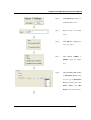
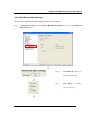
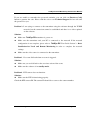
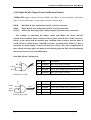
Step 2 :
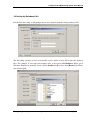
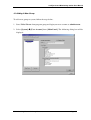
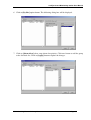
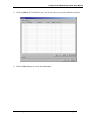
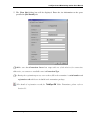
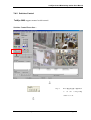
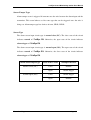
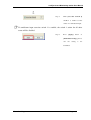
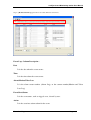
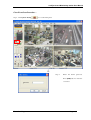
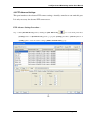
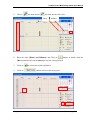
Select the suitable PTZ driver
and baud rate according to the
PTZ camera.
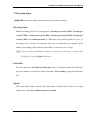
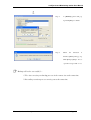
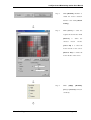
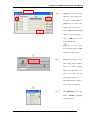
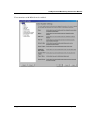
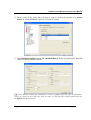
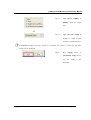
Step 3 :
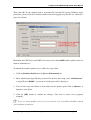
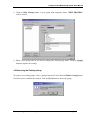
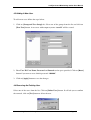
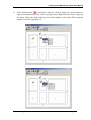
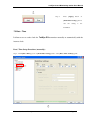
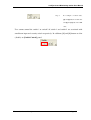
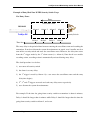
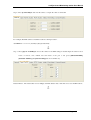
Click
[PTZ]
checkbox
to
enable the camera as PTZ
camera.
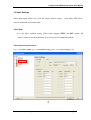
Normally, the PTZ camera needed to be installed at the camera number according to
its camera ID in order to control it.
For further detail, please take a look on the camera or its manual in order to choose
the above settings.
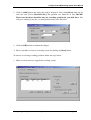
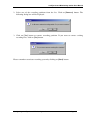
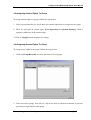
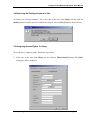
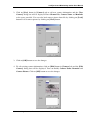
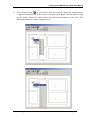
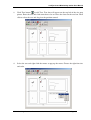
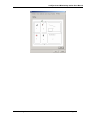
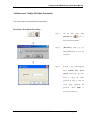
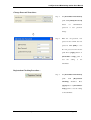
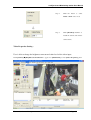
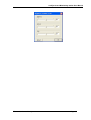
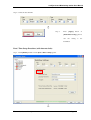
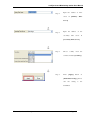
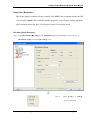
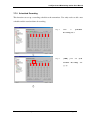
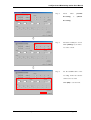
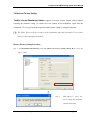
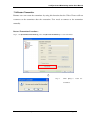
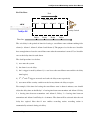
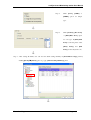
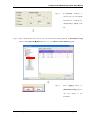
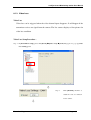
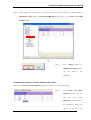
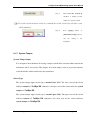
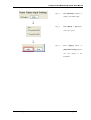
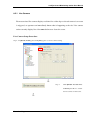
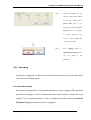
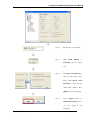
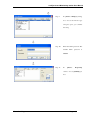
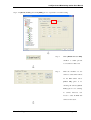
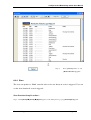
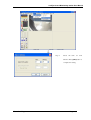
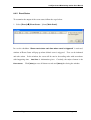
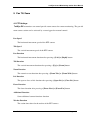
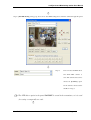
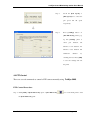
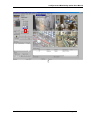
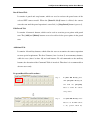
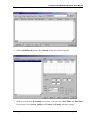
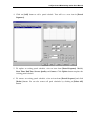
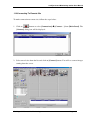
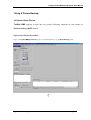
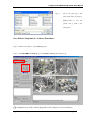
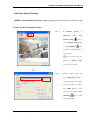
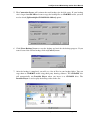
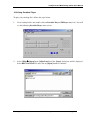
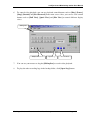
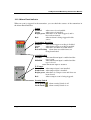
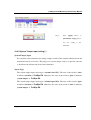
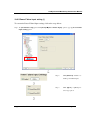
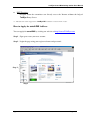
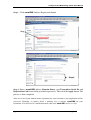
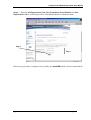
Step 4 : After clicking [PTZ] checkbox in step 3, user can enter {Pan Tilt Zoom} panel by click [Pan Tilt Zoom]
icon on the main panel
Pan Tilt Zoom
Page 163