1
Eye Central Monitoring Station User Manual
19 Supplement for RX model
19.1 Working with Event Dial Back
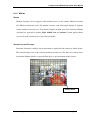
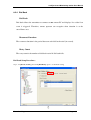
Connection Server can be setup as waiting transmitter for dial back connection. If the dial
back is connected, Video Viewer will alert a group of users currently associated with the site.
Operator can choose the site for monitoring.
In this section, you will learn the followings:
•
•
•
Setting Up Transmitter and Connection Server
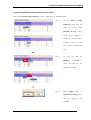
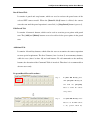
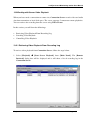
Handling Event Alert
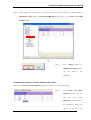
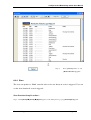
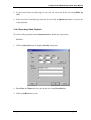
Alarm Panel Indicator
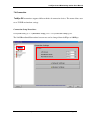
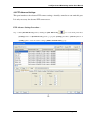
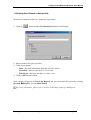
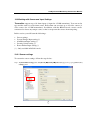
19.1.1 Setting Up Transmitter and Connection Server
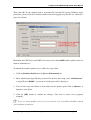
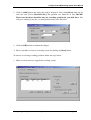
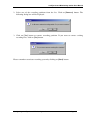
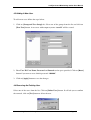
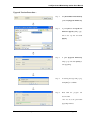
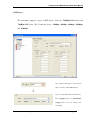
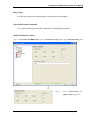
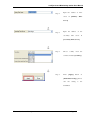
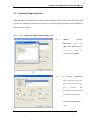
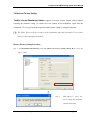
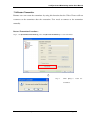
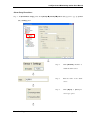
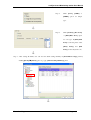
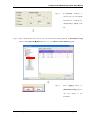
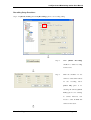
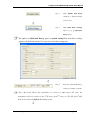
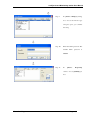
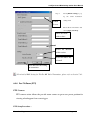
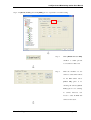
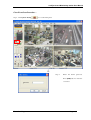
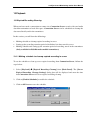
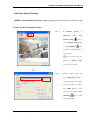
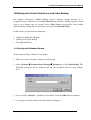
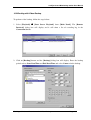
To configure your transmitter for dial back operation, you should enter IP Address or Phone
Number in the dial back settings of transmitter. To setup dial back settings in Video Viewer,
follow the steps below:
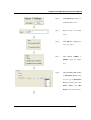
1. Make sure that your account is authorized for transmitter settings.
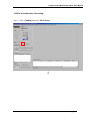
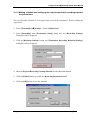
2. Connect your desired site for configuring dial back settings.
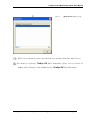
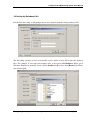
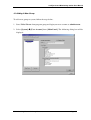
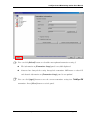
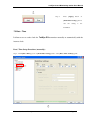
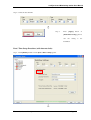
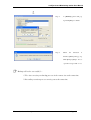
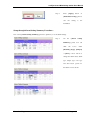
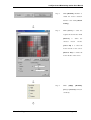
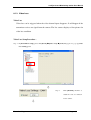
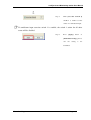
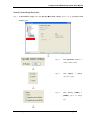
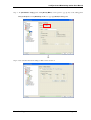
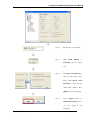
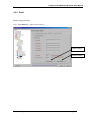
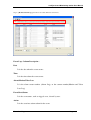
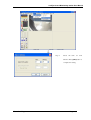
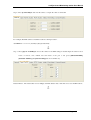
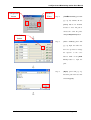
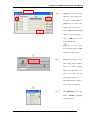
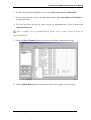
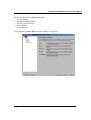
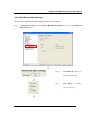
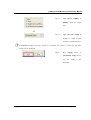
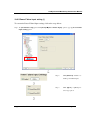
3. Select [Transmitter]
box will display.
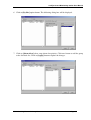
[Settings] from {Main Panel}. The {Transmitter Setup} dialog
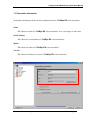
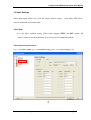
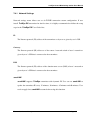
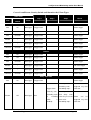
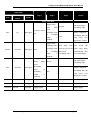
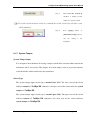
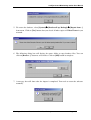
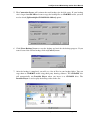
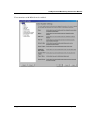
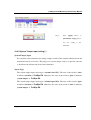
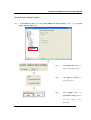
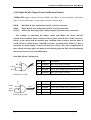
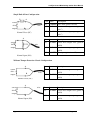
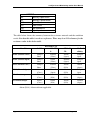
If the current connected transmitter doesn’t have BS8418 mode or currently BS8418
mode isn’t enabled in the transmitter, the events available in Event Handler Settings will be
different.
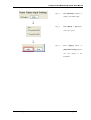
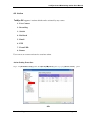
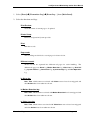
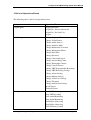
Basic events for all transmitters without BS8418 mode:
• Alarm Triggered
• Motion Detection
• Video Loss
• Disk Full
• System Failure
Supplement For RX Model
Page 226