1
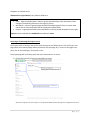
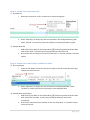
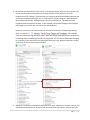
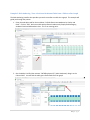
2) This will direct you to a page with a list of all the workbooks that are associated with that
project. Click on the workbook that contains the view that you want to see.
(Note* The orange bar next to the “Workbooks” in the left-hand sidebar indicates that workbooks are displayed on the
screen)
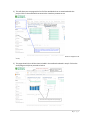
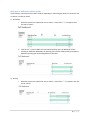
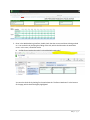
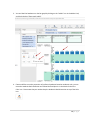
3) This page shows links to all the views included in the workbook selected in step 2. Click on the
view (image or title) that you wish to look at.
4|Page