1
Genesis Student Information System
Parent Access Manual
B. Selecting a Student
Changing the Selected Student
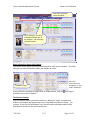
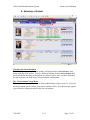
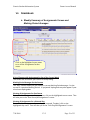
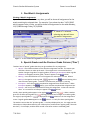
The name of the ‘currently selected student’ is displayed in the ‘Select Student’ drop
down at the top of the screen. To pick a different student, click the Select Student drop
down and choose the name of the student you want to select. Once you have done that,
the tabs will take you to the newly selected student’s information.
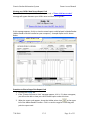
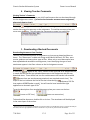
The “Select Student” Drop Down
This drop down contains the names of all the students that you have access to. If you are
missing a student, please contact your school or district office. Your district may require
you to submit a separate permission slip for each student.
7/30/2009
V3.5
Page 7 of 23