1
Working with Dr.Web Anti-virus for Linux
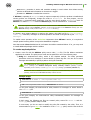
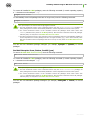
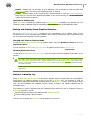
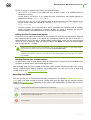
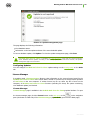
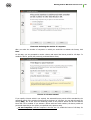
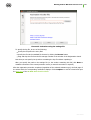
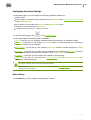
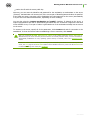
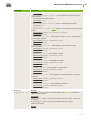
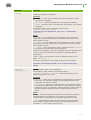
To ensure the highest security, it is recommended to select those reactions to threats that are indicated
as recommended in the list and enable the Automatically apply actions to threats option.
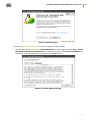
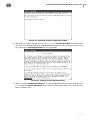
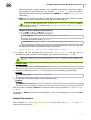
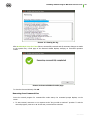
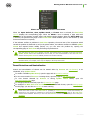
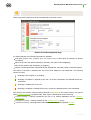
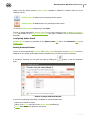
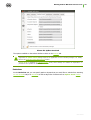
To open a window with advanced scan settings, click the Advanced... button.
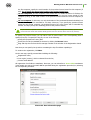
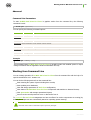
Advanced Scan Settings
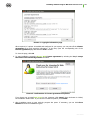
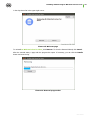
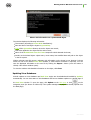
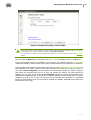
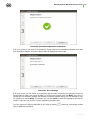
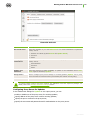
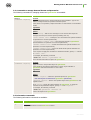
In the window with advanced settings, you can configure parameters of Scanner operation, such as:
Enable or disable scan contents of containers
o archives;
o mail files.
Set maximum time to scan one file.
Picture 53. Advanced scan settings
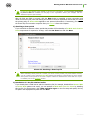
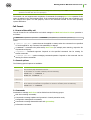
If checkboxes are switched off, containers also will be scanned, but only as whole objects, without
analysis of their internal structure.
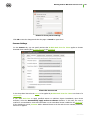
Click ОК to save the changes and close the window or Cancel to reject them.
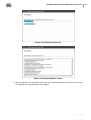
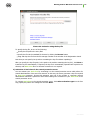
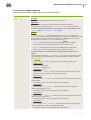
SpIDer Guard Settings
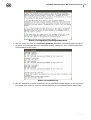
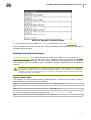
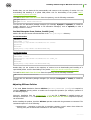
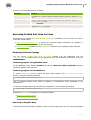
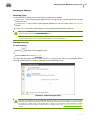
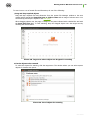
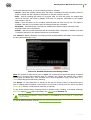
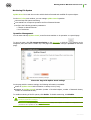
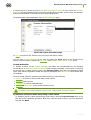
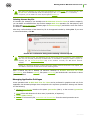
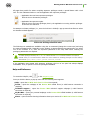
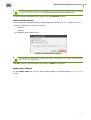
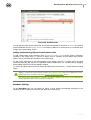
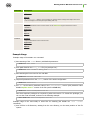
On the SpIDer Guard tab, you can specify actions applied to threats detected by SpIDer Guard
moritor.
User manual
69