1
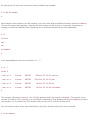
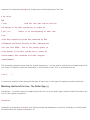
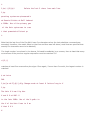
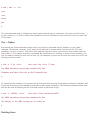
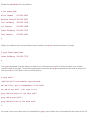
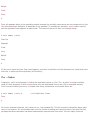
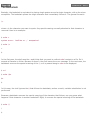
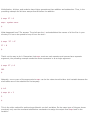
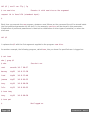
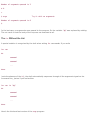
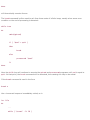
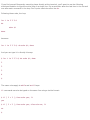
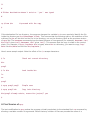
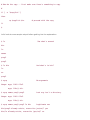
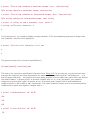
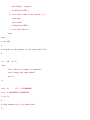
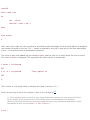
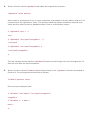
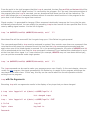
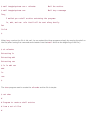
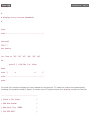
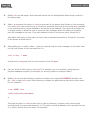
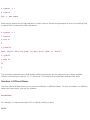
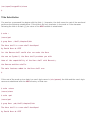
$ i=1
$ i=$(expr $i + 1)
Add 1 to i
$ echo $i
2
$
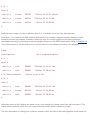
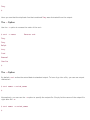
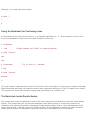
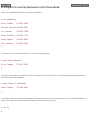
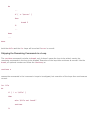
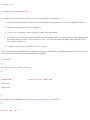
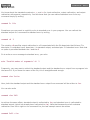
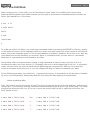
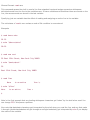
In legacy shell programs, you're more likely to see expr used with back quotes:
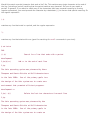
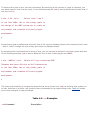
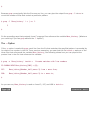
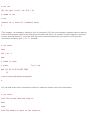
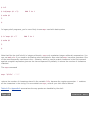
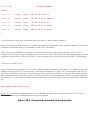
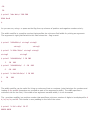
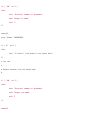
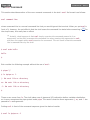
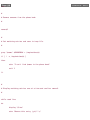
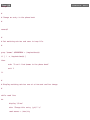
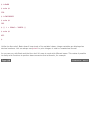
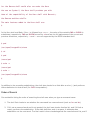
$ i=`expr $i + 1`
Add 1 to i
$ echo $i
3
$
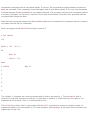
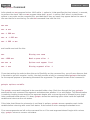
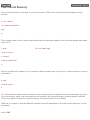
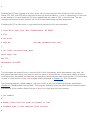
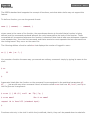
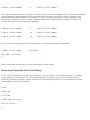
Note that like the shell's built-in integer arithmetic, expr only evaluates integer arithmetic expressions. You
can use awk or bc if you need to do floating point calculations. Also note that expr has other operators. One
of the most frequently used ones is the : operator, which is used to match characters in the first operand
against a regular expression given as the second operand. By default, it returns the number of characters
matched.
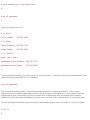
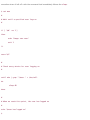
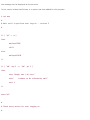
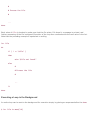
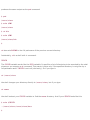
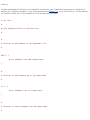
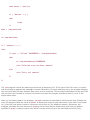
The expr command
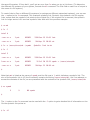
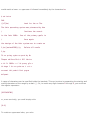
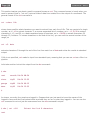
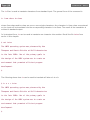
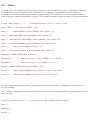
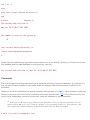
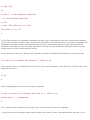
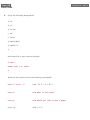
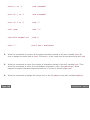
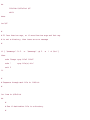
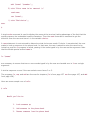
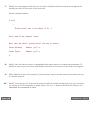
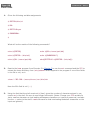
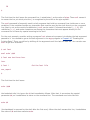
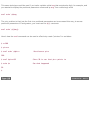
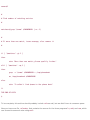
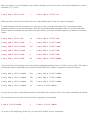
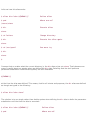
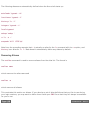
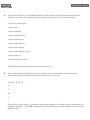
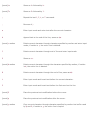
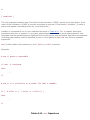
expr "$file" : ".*"
returns the number of characters stored in the variable file, because the regular expression .* matches
all the characters in the string. For more details on expr, consult your Unix User's Manual.
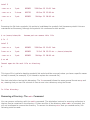
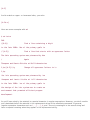
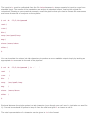
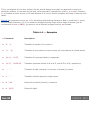
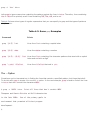
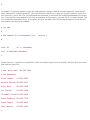
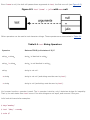
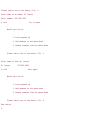
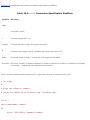
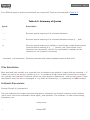
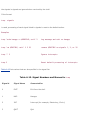
Table A.5 in Appendix A summarizes the way quotes are handled by the shell.