1
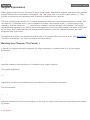
The Double Quote
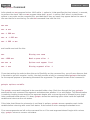
Double quotes work similarly to single quotes, except that they're not as restrictive. Whereas the single
quotes tell the shell to ignore all enclosed characters, double quotes say to ignore most. In particular, the
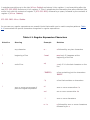
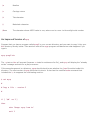
following three characters are not ignored inside double quotes:
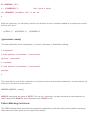
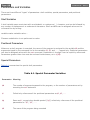
●
●
●
Dollar signs
Back quotes
Backslashes
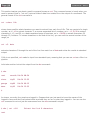
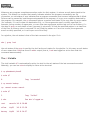
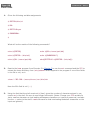
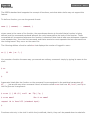
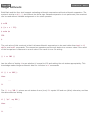
The fact that dollar signs are not ignored means that variable name substitution is done by the shell inside
double quotes.
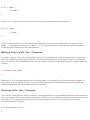
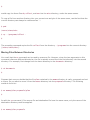
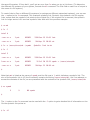
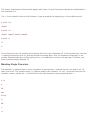
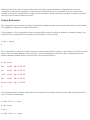
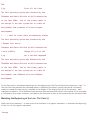
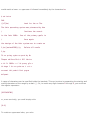
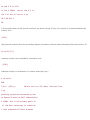
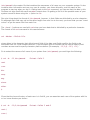
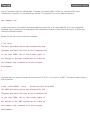
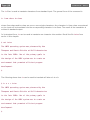
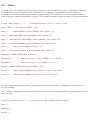
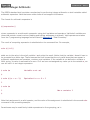
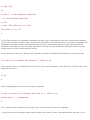
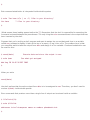
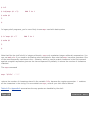
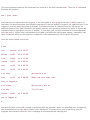
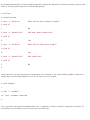
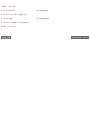
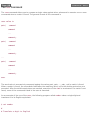
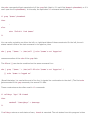
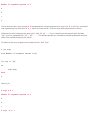
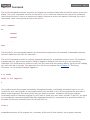
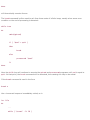
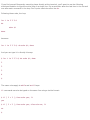
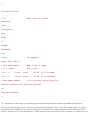
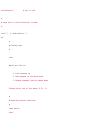
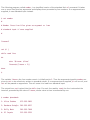
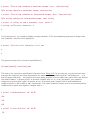
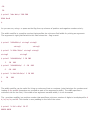
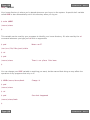
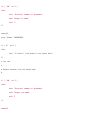
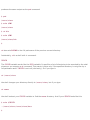
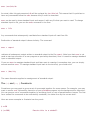
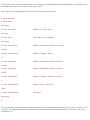
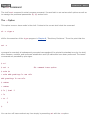
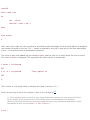
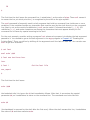
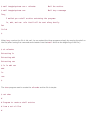
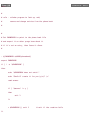
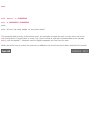
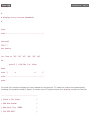
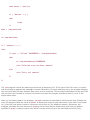
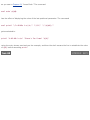
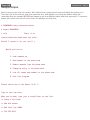
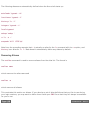
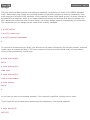
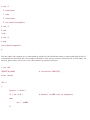
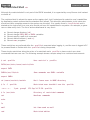
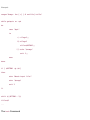
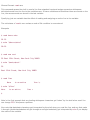
$ x=*
$ echo $x
addresses intro lotsaspaces names nu numbers phonebook stat
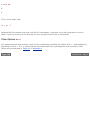
$ echo '$x'
$x
$ echo "$x"
*
$
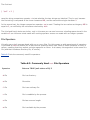
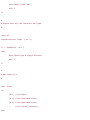
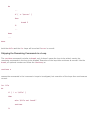
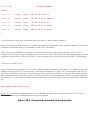
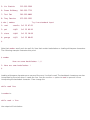
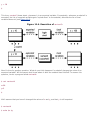
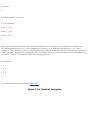
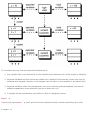
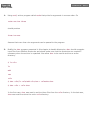
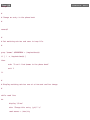
Here you see the major differences between no quotes, single quotes, and double quotes. In the first case,
the shell sees the asterisk and substitutes all the filenames from the current directory. In the second case,
the shell leaves the characters enclosed within the single quotes alone, which results in the display of $x. In
the final case, the double quotes indicate to the shell that variable name substitution is still to be performed
inside the quotes. So the shell substitutes * for $x. Because filename substitution is not done inside double
quotes, * is then passed to echo as the value to be displayed.
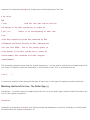
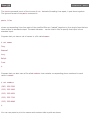
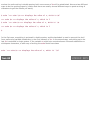
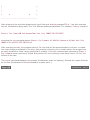
So if you want to have the value of a variable substituted, but don't want the shell to treat the substituted
characters specially, you must enclose the variable inside double quotes.
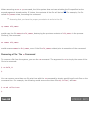
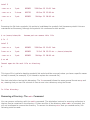
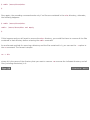
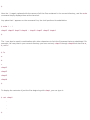
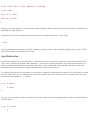
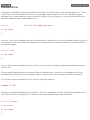
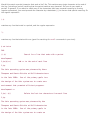
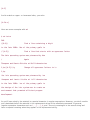
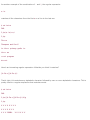
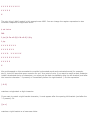
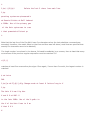
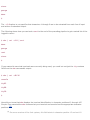
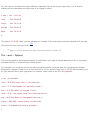
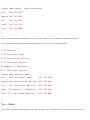
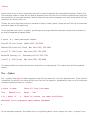
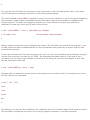
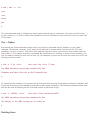
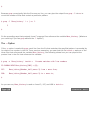
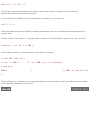
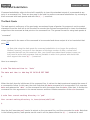
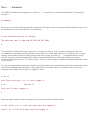
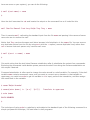
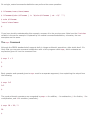
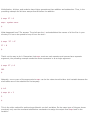
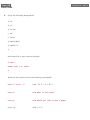
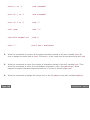
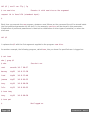
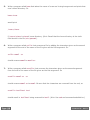
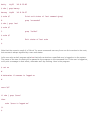
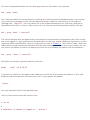
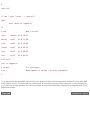
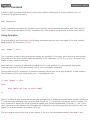
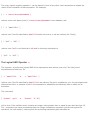
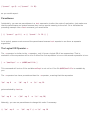
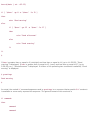
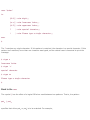
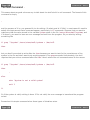
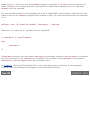
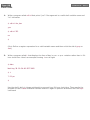
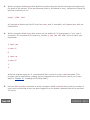
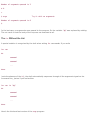
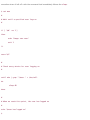
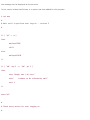
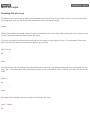
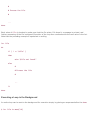
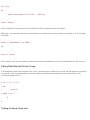
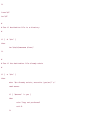
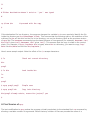
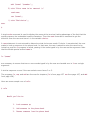
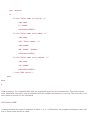
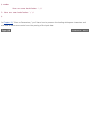
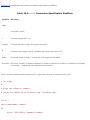
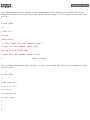
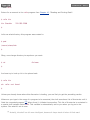
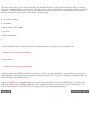
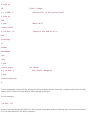
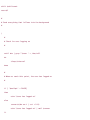
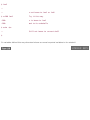
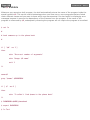
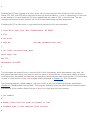
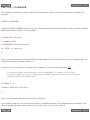
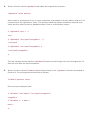
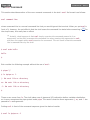
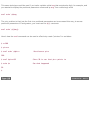
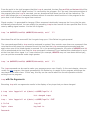
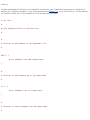
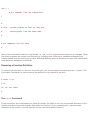
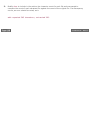
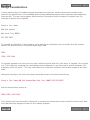
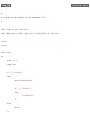
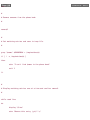
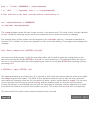
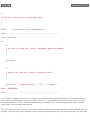
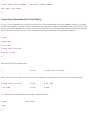
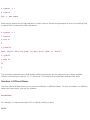
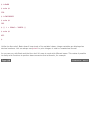
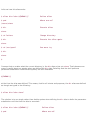
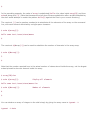
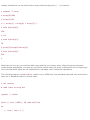
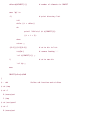
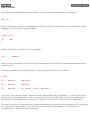
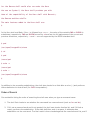
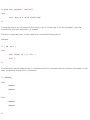
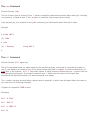
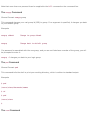
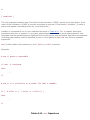
Here's another example illustrating the difference between double quotes and no quotes:
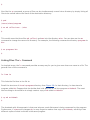
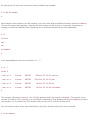
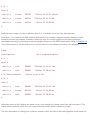
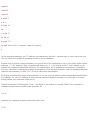
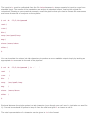
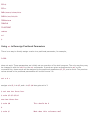
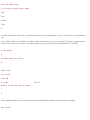
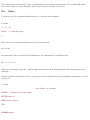
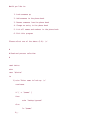
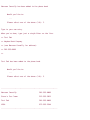
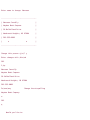
$ address="39 East 12th Street
> New York, N. Y. 10003"
$ echo $address
39 East 12th Street New York, N. Y. 10003