1
Chapter 7. Passing Arguments
IN THIS CHAPTER
●
●
The shift Command
Exercises
Shell programs become far more useful after you learn how to process arguments passed to them. In this
chapter, you'll learn how to write shell programs that take arguments typed on the command line. Recall
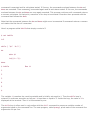
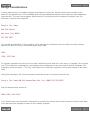
the program run that you wrote in Chapter 5, "And Away We Go," to run the file sys.caps through tbl,
nroff, and lp:
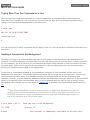
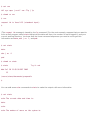
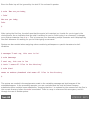
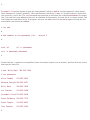
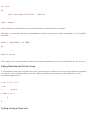
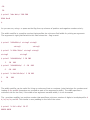
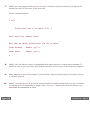
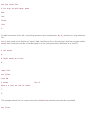
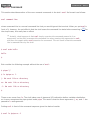
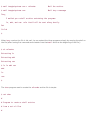
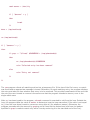
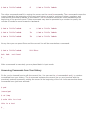
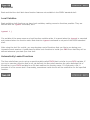
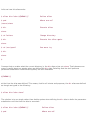
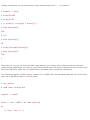
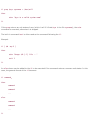
$ cat run
tbl sys.caps | nroff -mm –Tlp | lp
$
Suppose that you need to run other files besides sys.caps through this same command sequence. You
could make a separate version of run for each such file; or, you could modify the run program so that you
could specify the name of the file to be run on the command line. That is, you could change run so that you
could type
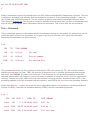
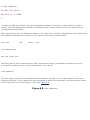
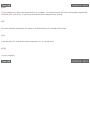
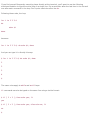
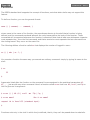
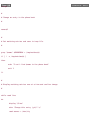
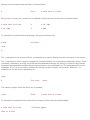
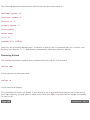
run new.hire
for example, to specify that the file new.hire is to be run through this command sequence, or
run sys.caps
to specify the file sys.caps.
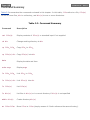
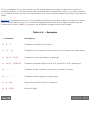
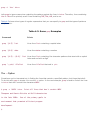
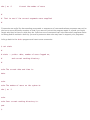
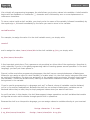
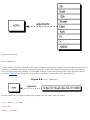
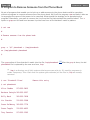
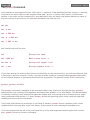
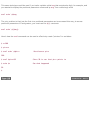
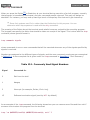
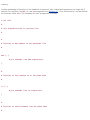
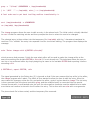
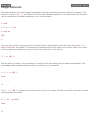
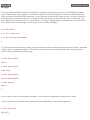
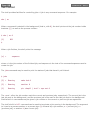
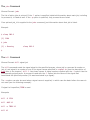
Whenever you execute a shell program, the shell automatically stores the first argument in the special shell
variable 1, the second argument in the variable 2, and so on. These special variables—more formally known
as positional parameters—are assigned after the shell has done its normal command-line processing (that
is, I/O redirection, variable substitution, filename substitution, and so on).
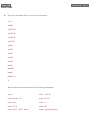
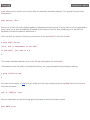
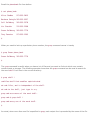
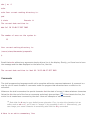
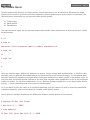
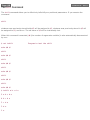
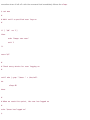
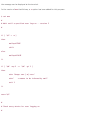
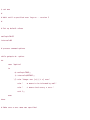
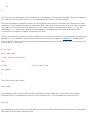
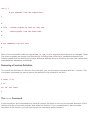
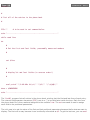
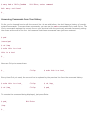
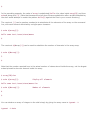
To modify the run program to accept the name of the file as an argument, all you do to the program is
change the reference to the file sys.caps so that it instead references the first argument typed on the
command line:
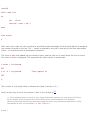
$ cat run