1
112
Third Party Software
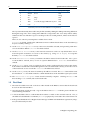
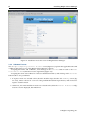
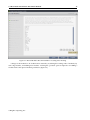
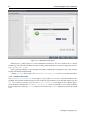
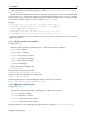
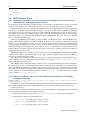
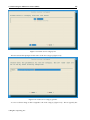
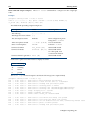
Creating Lustre file systems
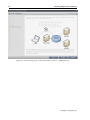
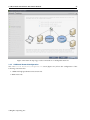
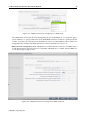
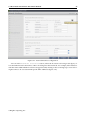
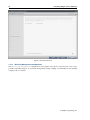
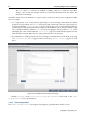
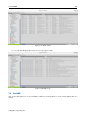
Figure 7.24: Intel Manager for Lustre (Filesystem configuration)
A more detailed explanation of the dashboard functionalities is available with the documentation that
comes with the IEEL software.
7.8.7 IEEL information in cmgui
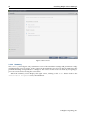
Lustre servers and filesystems configured via the Intel dashboard automatically become visible in cmgui.
If IML is installed on the Bright head node as recommended, then a resource called IEEL automatically
appears in the cmgui resource tree. In Bright Cluster Manager 7.1, information displayed in cmgui is
read-only, and no configuration is possible from cmgui. All Lustre configuration needs to be performed
using the Intel dashboard.
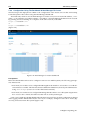
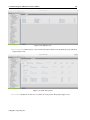
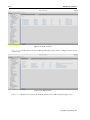
Within cmgui, under the IEEL resource there are the following tabs:
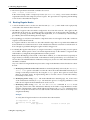
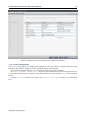
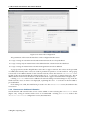
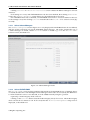
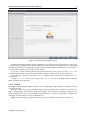
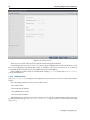
• a Servers tab that shows a list of Lustre servers that have been configured (figure 7.25).
© Bright Computing, Inc.