1
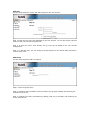
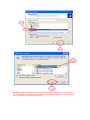
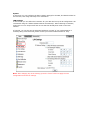
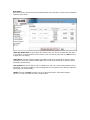
Add User
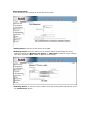
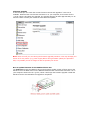
Use this setup wizard to quickly add and configure a new user account.
Step 1: Enter the user name and password for the new account. You can also create a private
folder for that user and set the quota limit.
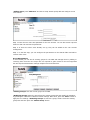
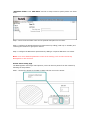
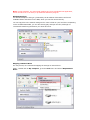
Step 2: If there are other users already set up, they can be added to the user account
management.
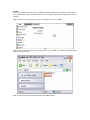
Step 3: In the last step, you can configure the permissions to the shared folder and add or
remove other users.
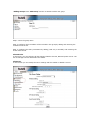
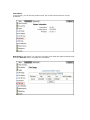
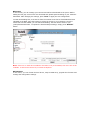
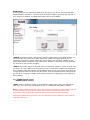
Add Group
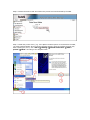
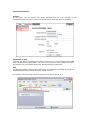
Use this setup wizard to add a new group.
Step 1: Enter the group name.
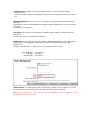
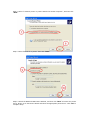
Step 2: Configure which members will be included in this group by adding and removing the
members from the list.
Step 3: Configure the share permissions by adding (read only or writable) and removing the
shares from the list.