1
4.7 Motion Ctrl
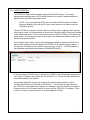
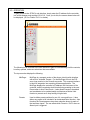
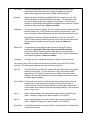
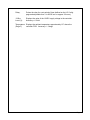
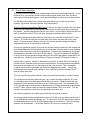
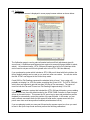
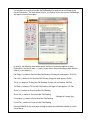
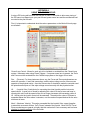
The Motion Ctrl screen is displayed in a new popup browser window as shown below.
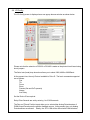
This page has not been designed for the casual user. It controls the PID (proportional,
integral, derivative) terms along with other variables that control the overall functionality of the
controller.
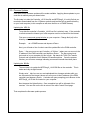
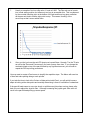
This page also features a PID tuning aid that provides axis impulse response data which
can then be plotted in Microsoft’s Excel to show the overshoot / dampening for each axis.
Please refer to Appendix A on how to use the PID tuning aid.
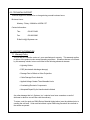
The Reverse Position Sensor check box is used to reverse the polarity of the feedback
position sensor. Some power zoom lenses require a reversal of the Zoom axis
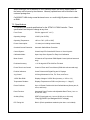
There may be times when you wish to utilize the Preset Trigger function and do not have
a power zoom lens. For this situation, you must Disable the Zoom and Focus axes or the
Preset Trigger will never function since the PID closed loop will never reach zero error.
4.5 - J-Systems
The J-Systems menu item will take you to the J-Systems web site.
Page 24