1
2
USB communication
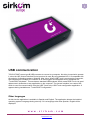
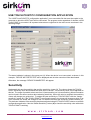
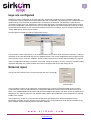
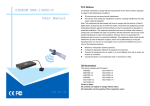
TOUCH POINT uses a type B USB connector to connect to a computer. No driver is required to operate
it, since the HID (Human Interface Device) protocol is used. By using standard HID, it is compatible with
the majority of operating systems: Windows, Mac, Linux. When USB Touch is connected to a computer,
two interfaces are created. One interface is an HID keypad, which appears during installation as
“TouchPOINT Keyboard”. This emulates a standard USB keyboard, which means USB Touch can send
alphanumeric characters to any application on the computer. The second interface is a custom HID,
which is used for communication from the USB Touch to the USB Touch configuration application. It
appears during installation as “TouchPOINT Configuration”.
Other languages
At this time the application is available in Spanish and English. The application detects the installed
operating system's language during start-up. If it is a language other than Spanish, English will be
displayed.
w w w . s i r k o m . c o m
Avda. Lehendakari Aguirre, 50-52
48014 BILBAO – VIZCAYA - (SPAIN)
[email protected]
Tfno. +34 944.765.344
Fax +34 944.750.814