1
RAIDShield Icons
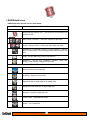
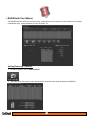
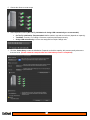
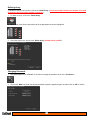
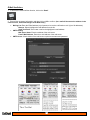
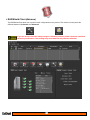
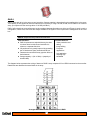
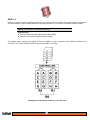
RAIDShield icons and their use are listed below.
ICON
Description
Main Menu Icons
RAIDShield Server/Client icon – The icon that is on the desktop and
notification area.
Add / Delete a controller – Select the controller to administer.
Create / Delete an Array – Change the arrays within the RAID.
Preferences for additional functions for Array operation – Activate,
alarms, mode settings, cache settings, password and controller card
time.
Email – Set the addresses to send e-mail alerts to.
Advanced – Set the Slice, expansion, migration, health, disk
locking, LUNs and take a snapshot of the array.
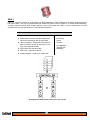
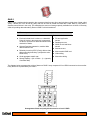
Option Menu Icons
Slicing an array into several parts
LUN Map – Assign a LUN to a slice
Expand an array to larger capacity by adding disks
Migrate from one RAID level to target RAID level
Snapshot - Create a backup of a slice
Health Center - Repair/Maintain Arrays
Unlock – Fix locked drives
2
2