1
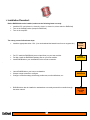
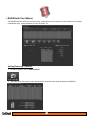
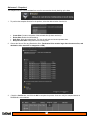
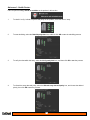
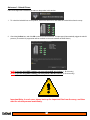
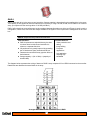
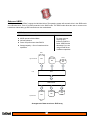
Installation Flowchart:
Before RAIDShield can be installed, make sure the following items are ready:
•
•
•
Install the PCI card (eLane-1e, eLane-2e, eLane-1x, eLane-1ex, eLane switch or RAIDCard)
Turn on the CalDigit product (except for RAIDCard)
Turn on the computer.
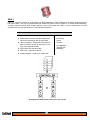
The set up process follow these steps:
•
Install the appropriate driver / GUI. (You can download the latest drivers from our support site.)
•
•
•
For PC, install the RAIDShield (server or/and client) on your host machine.
For Mac, install the RAIDShield package files on your host machine.
Install RAIDShield on your workstations for the remote connection.
Install
RAIDShield
•
•
•
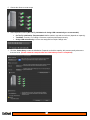
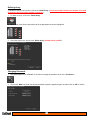
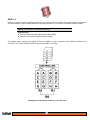
Launch RAIDShield on your host or workstations
Choose a target controller to configure.
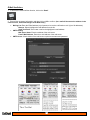
Configure controller settings, disk arrays preferences, email notifications, etc…
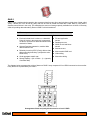
Configure
RAIDShield
•
RAIDShield can also be installed on workstations to remotely access this controller through
the same network.
Install
Drivers
.
6
Administer
the RAID
Array
6