1
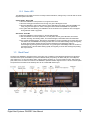
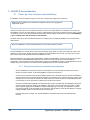
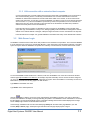
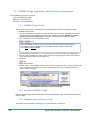
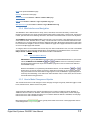
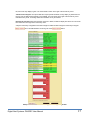
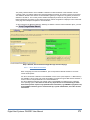
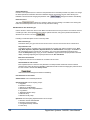
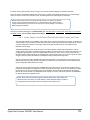
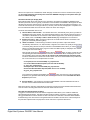
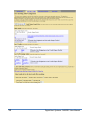
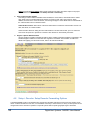
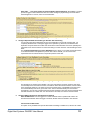
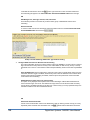
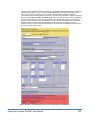
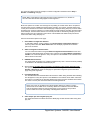
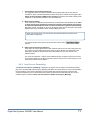
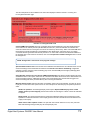
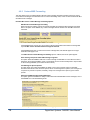
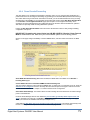
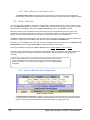
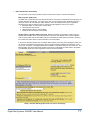
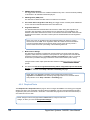
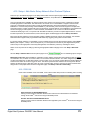
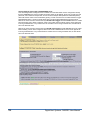
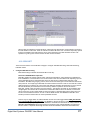
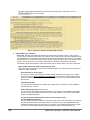
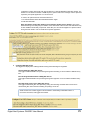
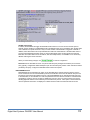
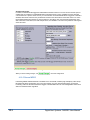
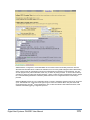
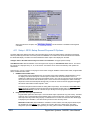
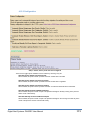
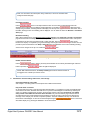
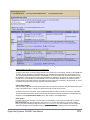
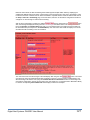
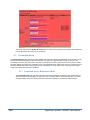
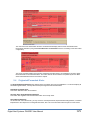
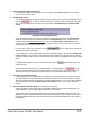
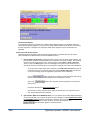
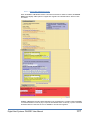
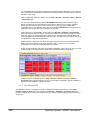
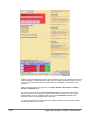
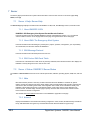
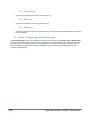
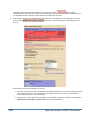
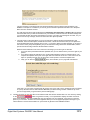
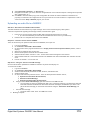
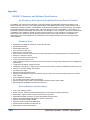
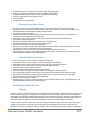
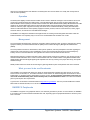
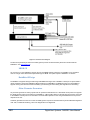
The screen shot above shows an example of a station configuration interface from the Setup >
Decoder > Forwarding web page.
NOTE: Many of the settings on the page also apply to alert Origination. If so, the label of
the control will state that the setting applies to both Orig/Fwrd.
Most of the options for a station can be thought of as providing an override action when compared to
the same option used or available during base station operation. For instance, the base station has a
control point to determine if the NTSC video details page is displayed during alert play-out. Each station
provides its own control for whether or not video details are used. Serial port operation provides another
useful example. The base station defines a set of serial ports that are used during alert play-out. Each
station interface must be configured to select which of the available base station serial ports are be
used for the station during alert play-out.
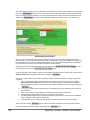
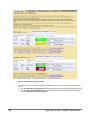
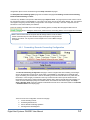
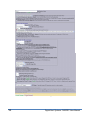
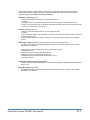
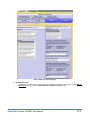
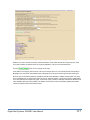
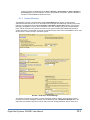
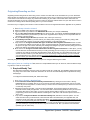
Here are the interface options for the page.
1.
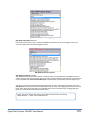
Select Station Configuration Interface
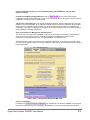
To edit station settings, use the pull down menu Select Station Configuration Interface to
select any station other than Base Station Info. This will display a special set of selection
options for the station.
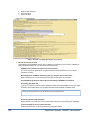
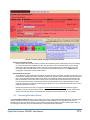
2.
Station Configuration Interface Name
You can rename the interface using the Station Configuration Interface Name text field. This
changes the label displayed for the station in the pull-down menu Select Station Configuration
Interface. The name also appears in many other places on the DASDEC II user interface where
station references are made.
3.
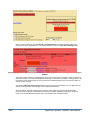
ENABLE Station Interface
This toggle allows the station to be enabled or disabled at any time. It must be checked (enabled)
for the station to be available for EAS alert play-out.
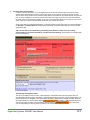
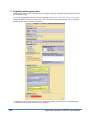
4.
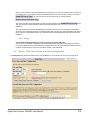
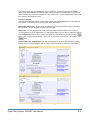
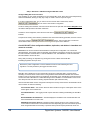
Shortcut link For encoder station origination configuration options Goto: Setup Encoder.
This provides a quick shortcut to jump to the same station configuration interface on the Setup >
Encoder > General web page. On that page are presented configuration options that ONLY
apply during alert origination.
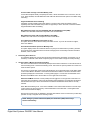
5.
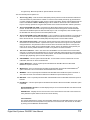
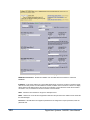
Forwarding Station ID
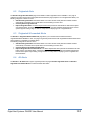
This text field determines the EAS station ID used for the station during decoded alert forwarding.
This ID appears in many other places on the DASDEC II user interface where station references
are made. It is encoded into the EAS alert header audio when an alert is forwarded to the station.
This value is used in place of the Base station Forwarding Station ID.
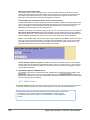
NOTE: This value can be different from the Origination Station ID. However, typically
these should be the SAME. In the Forwarding Station ID is edited and becomes different
from the Origination Station ID, the GUI will display a notice of the fact and provide a
shortcut active link to allow quick editing of the Origination Station ID.
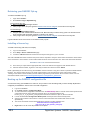
6.
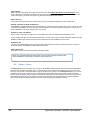
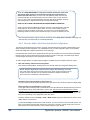
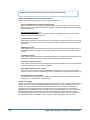
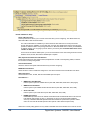
70 Video Output upon alert Orig/Fwrd play-out.
This toggle determines if the NTSC full screen details page is used with this station during EAS
play-out.
Digital Alert Systems: DASDEC User Manual