1
flashMASTER
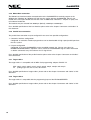
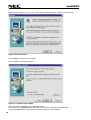
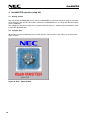
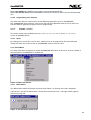
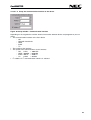
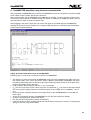
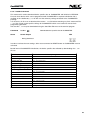
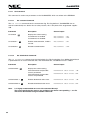
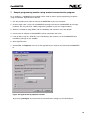
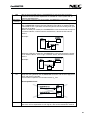
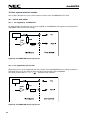
Now the setup program is starts. After a short while of initialisation the welcome screen appears:
Figure 5: Welcome screen
Click on Next to continue the installation.
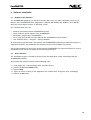
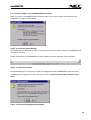
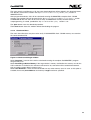
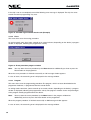
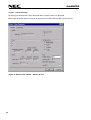
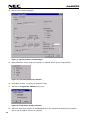
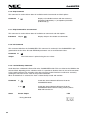
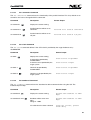
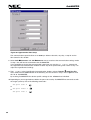
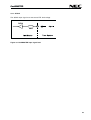
The installation start window appears:
Figure 6: Installation start window
You might exit the installation with the Cancel button.
You can click on the Browse button to be able to change the installation destination path.
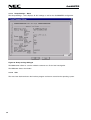
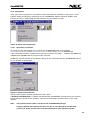
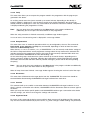
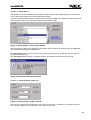
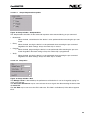
Pressing the Next button will proceed to the Setup Program Folder selection.
20