1
11. Protection components
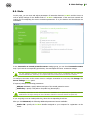
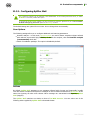
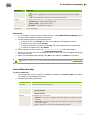
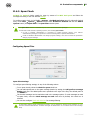
The Check attachments window is available only for users with administrative privileges.
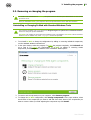
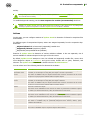
For Windows Vista and later operating systems, after clicking Check attachments:
If UAC is enabled: administrator is requested to confirm program actions; user without
administrative privileges is requested to enter accounting data of system administrator.
If UAC is disabled: administrator can change program settings; user does not have the permission
change program settings.
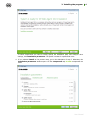
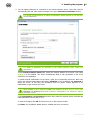
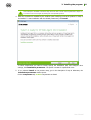
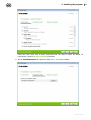
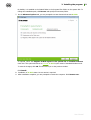
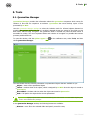
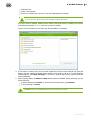
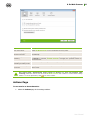
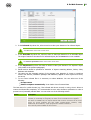
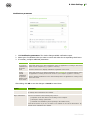
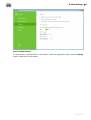
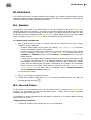
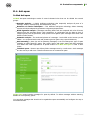
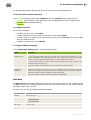
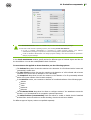
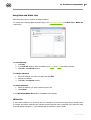
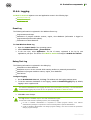
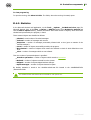
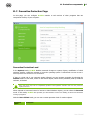
In the Check attachments window, specify actions for different types of checked objects and also for
the check failure. You can also enable/disable check of archives.
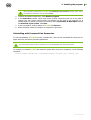
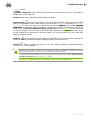
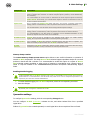
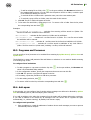
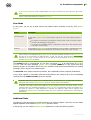
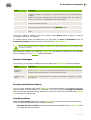
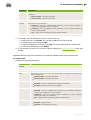
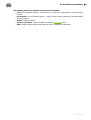
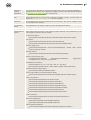
To set actions to be applied on threat detection, use the following options:
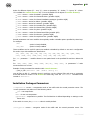
The Infected drop-down list sets the reaction to the detection of a file infected with a known and
(presumably) curable virus.
The Not cured drop-down list sets the reaction to the detection of a file infected with a known
incurable virus (and in case an attempt to cure a file failed).
The Suspicious drop-down list sets the reaction to the detection of a file presumably infected
with a virus (upon reaction of the heuristic analyzer).
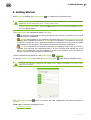
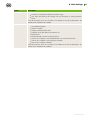
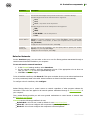
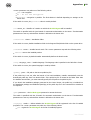
In the Malware section, set a reaction to detection of unsolicited software of the following types:
Adware
Dialers
Jokes
Hacktools
Riskware
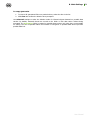
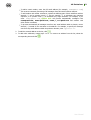
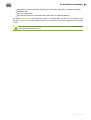
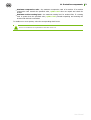
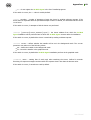
The If checked failed drop-down list allows to configure actions if the attachment cannot be
checked, e.g. if the attached file is corrupted or password protected.
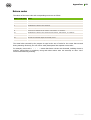
The Check archives (recommended) check box allows to enable or disable check of attached
archived files. Set this check box to enable checking; clear this check box to disable.
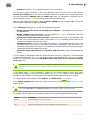
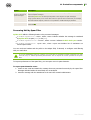
For different types of objects, actions are specified separately.
User Manual
87