1
Appendices
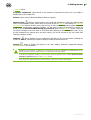
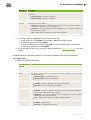
no – do not register the Dr.Web Agent in the list of installed programs.
If the switch is not set, the no value is used by default.
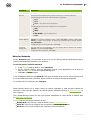
/retry <number> – number of attempts to locate the Server by sending multicast requests. If the
Server has not responded after the specified attempts number is reached, it is assumed what the Server
is not found.
If the switch is not set, 3 attempts to find the Server are performed.
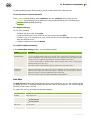
/server [<protocol>/]<server_address>[:<port>] – the Server address from which the Dr.Web
Agent installation will be performed and to which the Dr.Web Agent connects after the installation.
If the switch is not set, by default the Server is searched by sending multicast requests.
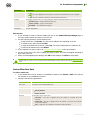
/silent <mode> – defines whether the installer will be run in the background mode. The <mode>
parameter may take one of the following values:
yes – launch the installer in the background mode.
no – launch the installer in the graphical mode.
If the switch is not set, by default the Dr.Web Agent installation performs in the graphical mode
/timeout <time> – waiting limit of each reply when searching the Server. Defined in seconds.
Receiving of response messages continues while the response time is less than the timeout value.
If the switch is not set, 3 seconds are used by default.
User Manual
102