1
System Power On
4.1 SYSTEM POWER ON
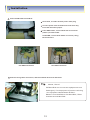
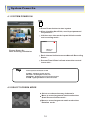
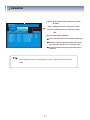
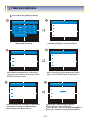
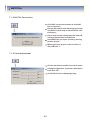
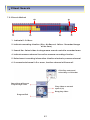
Press Power button to start system
After checking Hard Disk, need input password
to operation .
Initial screen view mode is quad division mode
and recording mode .
CAMERA
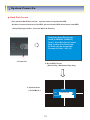
Picture Power On
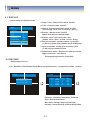
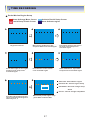
After finishing installation
2004/01/01
00:00:00
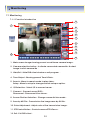
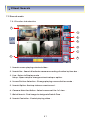
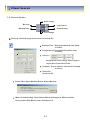
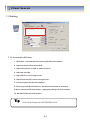
Each channel indicate camera Name & Recording
Status .
Present Time & Date indicate at monitor central
Lower side .
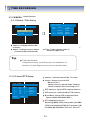
Tip
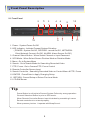
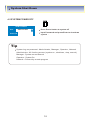
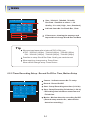
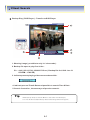
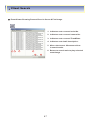
• Check System Condition at LED
POWER : Showing System On/Off
RECORD : Showing Record On/Off
NETWORK : Showing Client Connection Status
ALARM : Lighting whenSensor Alarm Activate
4.2 SELECT SCREEN MODE
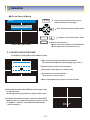
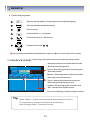
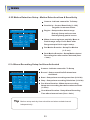
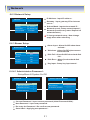
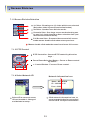
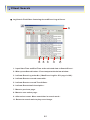
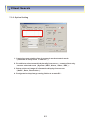
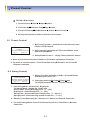
Select one channel among 4 channels
Move to one enlargement watch mode when
Quad Screen division mode .
Move to one enlargement watch mode when
Rotation mode .
16