1
SEARCH
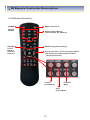
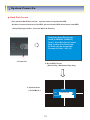
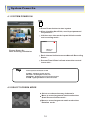
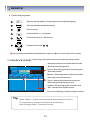
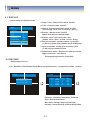
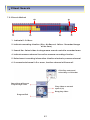
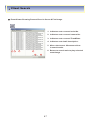
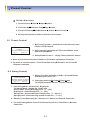
Control Playing Video
1
: Basic playing mode ( normal speed (1x) forward playing )
2
: Normal speed backward playing
3
: Pause video
4
: Fast forward ( 2 ~ 64 speed )
5
: Fast backward ( 2 ~ 64 speed )
6
: Same function as
4
~
5
Press normal forward backward button in pause . Move to next / previous frames
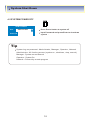
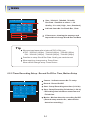
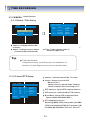
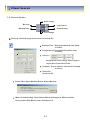
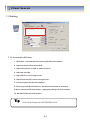
5.2 SEARCH BY EVENT - Searching video with event occurrence to setup period
- Setup period to select start date & finish
Date for searching event .
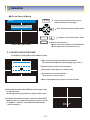
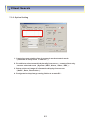
EVENT VIEW
Start Time
2005. 07. 07. 00.00
End Time
2005. 07. 07. 00.00
Alarm
Motion
Date
Time
Timer
- Alarm : Searching alarm event during the
Selected period .
System
Event
Start Search
- Motion : Searchng motion detected event
During the selected period .
- Timer : Searching schedule change or
Recording setup change event .
- System : Searching power On/Off event
(Etc.) Concerned system event .
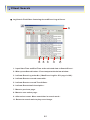
- Event list showing at below output window
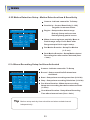
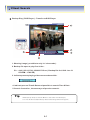
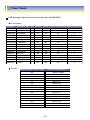
Tip
Alarm , Motion , System can be select plural by check (V)-(Enter)
To change setup , press enter and press direction key
After changing setup . Press enter to exit .
20