1
Installation
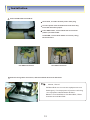
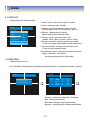
3.1 Hard Disk Installation
1
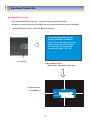
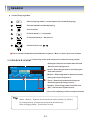
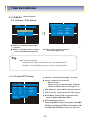
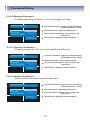
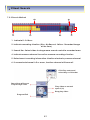
Jumper Setup Master or Slave
Jumper Setup as Master or Slave refer to explanation
of surface Hard Disk .
Jumper is located at Hard Disk data cable or rear side
of Hard Disk .
If one Hard Disk installation , setup as Master
If two Hard Disk installation , second one setup as slave
!! When Hard Disk add or exchange, must system off
properly ( power button system off ) if not , it a cause
Of fatal error of disk .
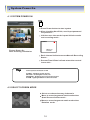
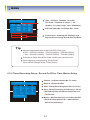
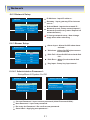
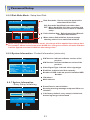
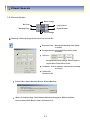
Example of Samsung HDD Jumper Setup
Refer to general pin setting in jumper pin setting on HDD
Surface .
When one HDD installed , setup pin as Master and connect
Pin at the left end of jumper .
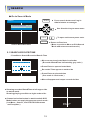
When two HDD installed or add HDD, one is for Master and
The other is for Slave. Slave setup has No pin .
When mor than two HDD installation, setup as Master &
Slave to connect one IDE cable the same method of above .
!! Please use HDD which can supply higher than UDMA66 !!
3
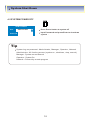
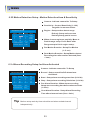
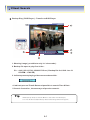
IDE Cable Connection to Main Board
Confirm the IDE cable inside of product
Among the three connector, indicated blue color
Connector must be connected with main board ,
Other connectors connected with HDD .
11