1
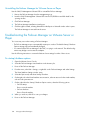
1.
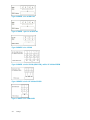
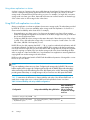
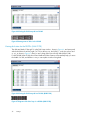
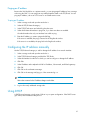
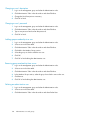
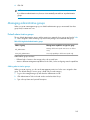
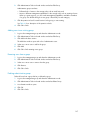
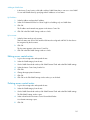
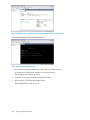
Enter start and press Enter.
2.
Press Enter to log in.
3.
Tab to Network TCP/IP Settings and press Enter.
4.
Tab to the network interface and press Enter.
5.
Tab to the Hostname field if necessary.
6.
Press Backspace in the Hostname field to delete the default name and enter your own host name.
This host name displays in the CMC. It does not change the name of the original FOM.vmx file,
nor does it change the name in VMware.
7.
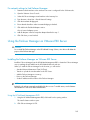
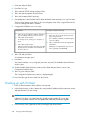
Configure the IP Address one of two ways.
Using DHCP
1.
Tab to the choice Obtain IP address automatically using DHCP and press Enter to select it.
2.
Tab to OK and press Enter.
Configure IP address manually
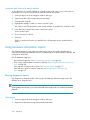
1.
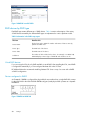
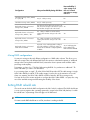
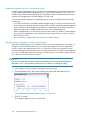
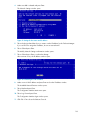
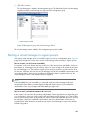
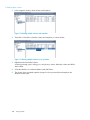
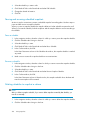
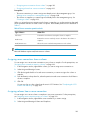
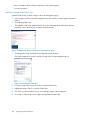
The IP Address, Netmask, and Gateway list
opens for editing.
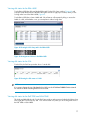
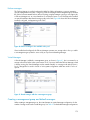
A message opens, asking you to verify the request.
3.
Tab to OK and press Enter.
2.
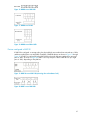
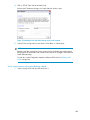
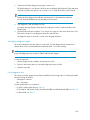
After a short pause, another message opens that
displays the new IP address. Record this IP address for later use.
8.
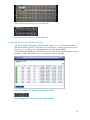
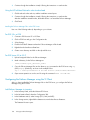
Tab to the choice Use the Following IP Address and press Enter.
Tab to each field and enter the appropriate
information.
Gateway is a required field. If you do not
have a gateway, enter 0.0.0.0.
Tab to OK and press Enter.
A confirmation message opens.
9.
Press Enter.
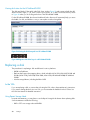
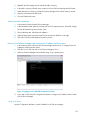
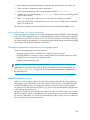
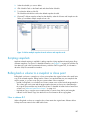
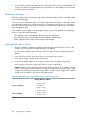
The network interface is now configured (wait a few seconds). The Available Network Devices
window opens.
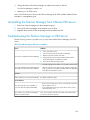
10. On the Available Network Devices window, tab to Back and press Enter to return to the
Configuration Interface menu.
11. Tab to Log Out and press Enter.
The Configuration Interface entry window is displayed again.
12. Press Ctrl+Alt to get the cursor back from the Console.
Finishing up with VI Client
1.
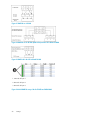
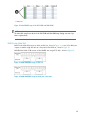
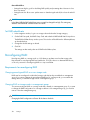
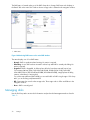
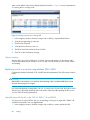
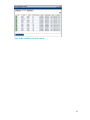
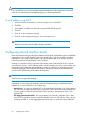
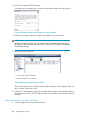
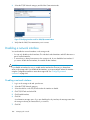
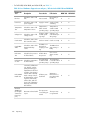
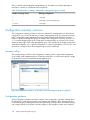
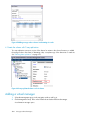
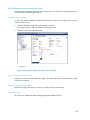
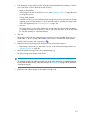
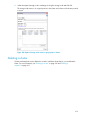
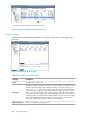
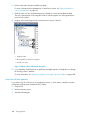
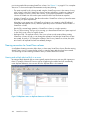
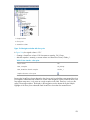
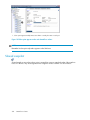
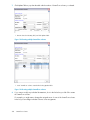
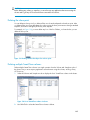
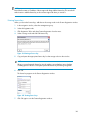
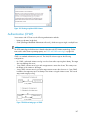
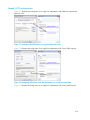
In the VI Client Information Panel, click the Summary tab.
2.
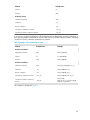
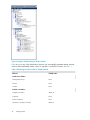
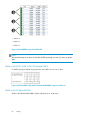
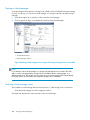
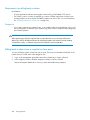
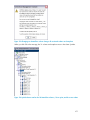
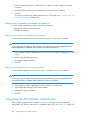
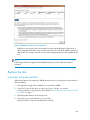
In the General section on the Summary tab, verify that the IP address and host name are correct,
and that VMware Tools are running.
NOTE:
If VMware Tools show “out of date” then they are still running correctly. The “out of date”
status is not a problem. VMware tools are updated with each SAN/iQ software upgrade.
3.
198
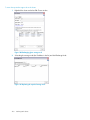
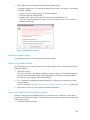
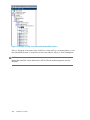
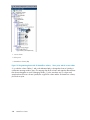
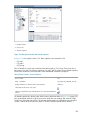
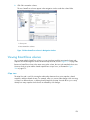
In the Inventory panel, right-click the Failover Manager and select Rename.
Using specialized managers