1
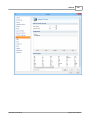
Backup Properties
121
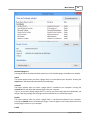
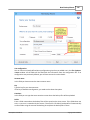
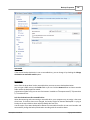
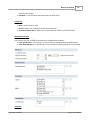
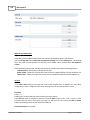
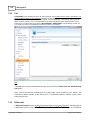
Removable
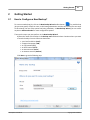
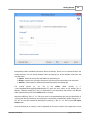
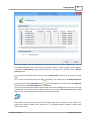
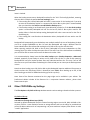
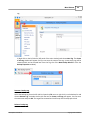
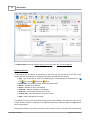
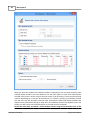
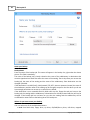
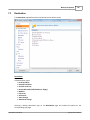
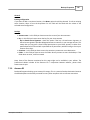
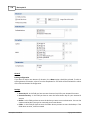
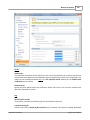
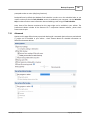
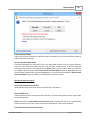
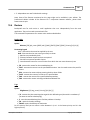
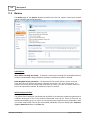
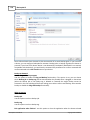
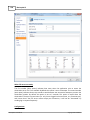
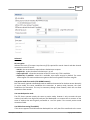
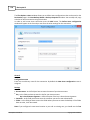
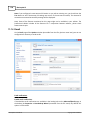
If the current backup destination is not a removable drive, you can change it by checking the Change
destination to removable media option.
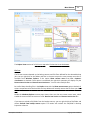
Destination
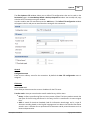
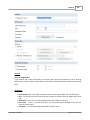
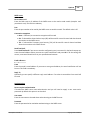
Select from the drop down list the removable drive you want to use as backup destination.
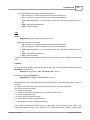
You can type a folder name in the Folder field or you can click the Browse button to choose another
folder where the backup will be stored.
In destination folder field, you can use Environment Variables as %Computername%, %SystemDrive
%, %UserName% etc.
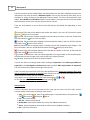
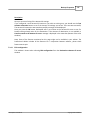
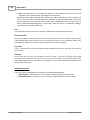
Lock the destination to this removable drive
When disconnecting and reconnecting a removable drive, your computer may not assign it the same
drive letter. If the drive letter was changed, the backup might fail because Backup4all is trying to
backup to the same old drive letter which probably does not exist.
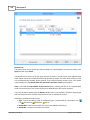
Use this option if you want Backup4all to detect the removable drive after its own serial number and
automatically change the backup destination according with the new drive letter.
Backup4all 5 User Manual
Copyright © 2015 Softland