1
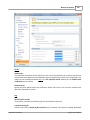
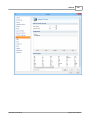
File Filtering
191
filtering.
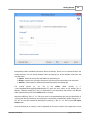
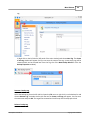
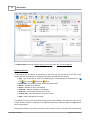
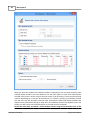
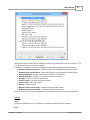
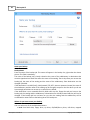
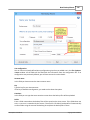
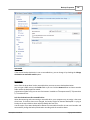
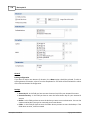
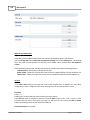
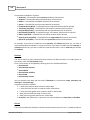
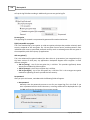
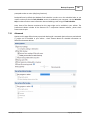
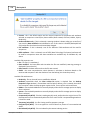
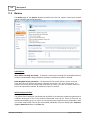
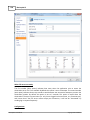
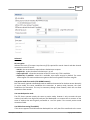
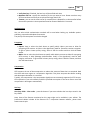
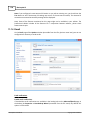
· NTFS attributes - if this is selected, a set of NTFS (New Technology File System) attributes will
be used for filtering. Note that these attributes are available only on Windows XP and above.
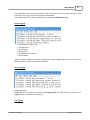
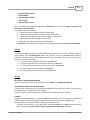
File attributes available for file filters:
· Read-Only - if checked files with read-only attribute will be selected
· Archived - if checked files with archived attribute will be selected
· Hidden - if checked files with hidden attribute will be selected
· System - if checked files with system attribute will be selected
· Compressed (only NTFS) - if checked files with compressed attribute will be selected
· Temporary (only NTFS) - if checked files with temporary attribute will be selected
· Encrypted (only NTFS) - if checked files with encrypted attribute will be selected
· Not indexed (only NTFS) - if checked files with "not indexed" attribute will be selected
· Offline (only NTFS) - if checked files with offline attribute will be selected
· Reparse point (only NTFS) - if checked files with reparse point attribute will be selected
· Sparse file (only NTFS) - if checked files with sparse file attribute will be selected
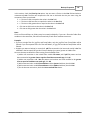
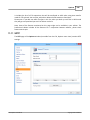
For example, if you want to include files with read-only and archived attributes set, you have to
check both attributes checkboxes in a single restriction. If you want to include files with read-only or
archived attributes set, you have to make two separate restrictions: one for read-only and another
for archived.
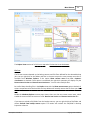
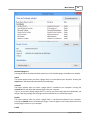
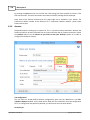
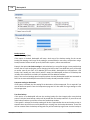
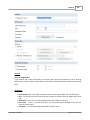
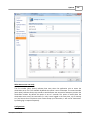
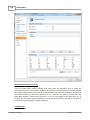
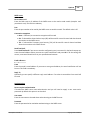
File dates
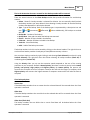
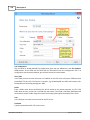
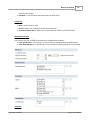
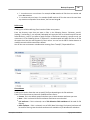
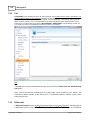
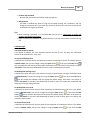
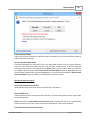
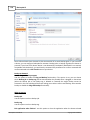
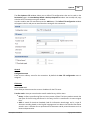
This section allows the user to build restrictions based on file dates and times. To enable options in
this section, check the Filter by date option.
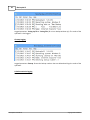
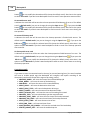
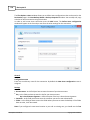
Filters in this section can be applied by selecting one of the available date filters:
· date accessed
· date and time accessed
· date modified
· date and time modified
· date created
· date and time created
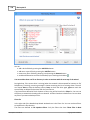
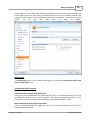
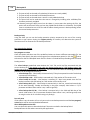
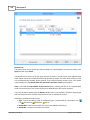
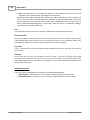
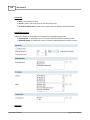
You can compare these dates and times with a fixed date or a relative date: today, yesterday, one
week ago or one month ago.
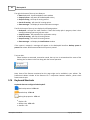
Comparison operators available:
· < > date (and time) not equal to fixed or relative date
· < = date (and time) less than or equal to fixed or relative date
· > = date (and time) greater than or equal to fixed or relative date
· < date (and time) less than fixed or relative date
· > date (and time) greater than fixed or relative date
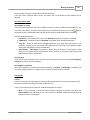
· in interval - date (and time) in a particular time interval between the Start date and End date
Backup4all 5 User Manual
Copyright © 2015 Softland