1
Main Window
5
Main Window
5.1
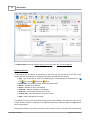
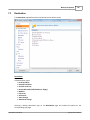
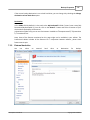
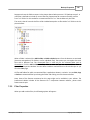
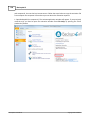
Commands
61
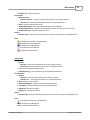
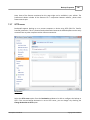
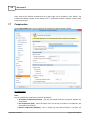
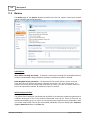
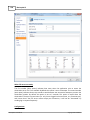
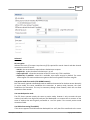
File
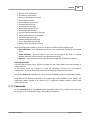
New Backup - creates a new backup job
· Open Backup - creates a new backup job from the opened ".bkc" or ".ini" file
· Open Backup From - creates a new backup job from the opened ".bkc" or ".ini" file, and user
can select to open the catalog from multiple locations as: local hard drive, network, FTP, SFTP,
Azure or Amazon S3 server.
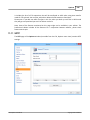
· Tools
· Plugins - opens the Manage Plugins window
· Erase disc - opens the Erase CD, DVD or Blu-ray window
· Getting Started - opens the Getting Started window
· Import from version 5... - imports ".ini" files from version 5 of Backup4all
· Import from version 4 - imports ".ini" files from version 4 of Backup4all
· Import from version 3 - imports ".ini" files from version 3 of Backup4all
· Import from version 2 - imports ".ini" files from version 2 of Backup4all
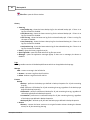
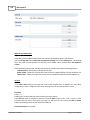
Help
· Backup4all Help - opens the Help file
· Support Request - starts a new email message that will be sent to the support team
· How to Order - provides information about where and how to buy the application
· Options - opens the Options window
· Check for Updates - displays a window with the available updates
· Options - opens the Options window
· Exit - exits the application, same as the keyboard shortcut Alt+F4
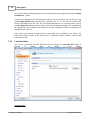
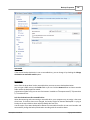
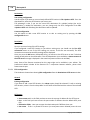
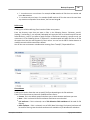
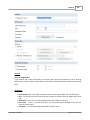
Jobs
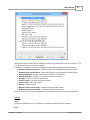
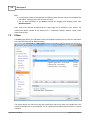
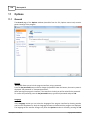
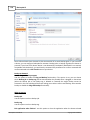
The Jobs toolbar contains the most important Backup4all buttons which can be applied on backup
jobs.
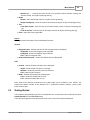
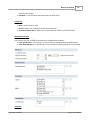
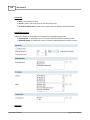
Manage - this group includes the buttons necessarily to manage the backup jobs.
· New backup - starts the New Backup Wizard
· Properties - opens a dialog to edit the backup job configuration
· Open backup - creates a new backup job from the opened ".bkc" or ".ini" file
· Open backup from - creates a new backup job from the opened ".bkc" or ".ini" file, and
user can select to open the catalog from multiple locations as: local hard drive, network,
FTP, SFTP, Azure or Amazon S3 server.
· Delete backup - removes the current selected backup, same as the toolbar button Delete or
the keyboard shortcut Ctrl+Del
· Duplicate backup - duplicates the selected backup job, same as pressing the keyboard shortcut
Ctrl+L
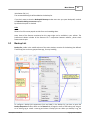
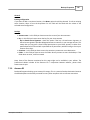
· Create Shortcut... creates a shortcut to a backup job or tag (for easy backup execution from
Backup4all 5 User Manual
Copyright © 2015 Softland