1
Home Page
Table of Contents
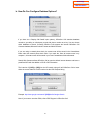
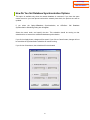
How Do You Set Database Synchronization Options
This option is available only when the network database is connected. If you have the same
contact record on your local phone book and the network phone book, the previous one will be
updated.
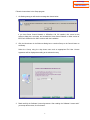
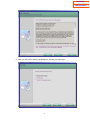
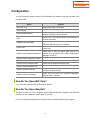
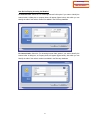
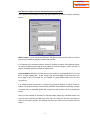
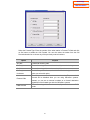
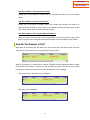
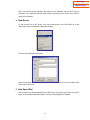
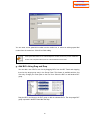
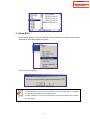
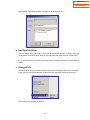
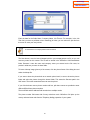
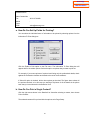
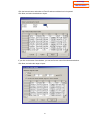
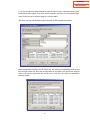
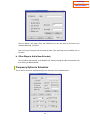
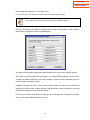
If you select the OptionÆDatabase Synchronization,
Synchronization Scheduling Dialog box will appear.
an
OfficeServ
Call
Database
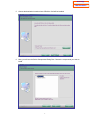
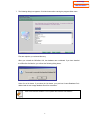
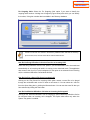
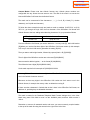
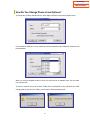
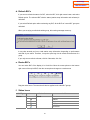
Select the month, week, and specify the time. This scheduler should be running on that
scheduled time to execute the scheduled database synchronization.
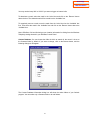
If you click on Apply button, changes will be saved. If you click on Cancel button, changes will not
be saved but the synchronization scheduler will remain running.
If you click on Close button, the scheduler will be terminated.
24