1
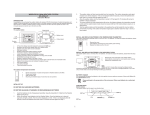
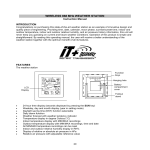
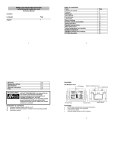
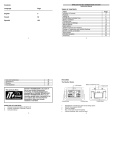
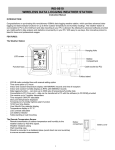
Press and hold the key for 2 seconds to reset ALL indoor/outdoor minimum/maximum temperature recordings to current readings To stop the alarm sound ALARM key To activate/deactivate the alarm and display alarm time Press and hold for 2 seconds to enter the alarm setting mode To stop the alarm sound To exit manual setting mode and country/state/city setting mode SUN key To switch among the display of date (normal mode), seconds, sun duration and city Press and hold for 2 seconds to enter country/state/city setting mode To stop the alarm sound To exit manual setting mode and alarm setting mode LCD SCREEN The LCD screen is split into 3 main sections displaying the information for indoor and outdoor data, time, moon phase, calendar, sunrise/sunset time, weather forecast and air pressure. 7